
 Polski


 Contact
 ul. Słowackiego 8
 sklep@katemedia.pl
 +48 570 025 000



There are no more items in your cart
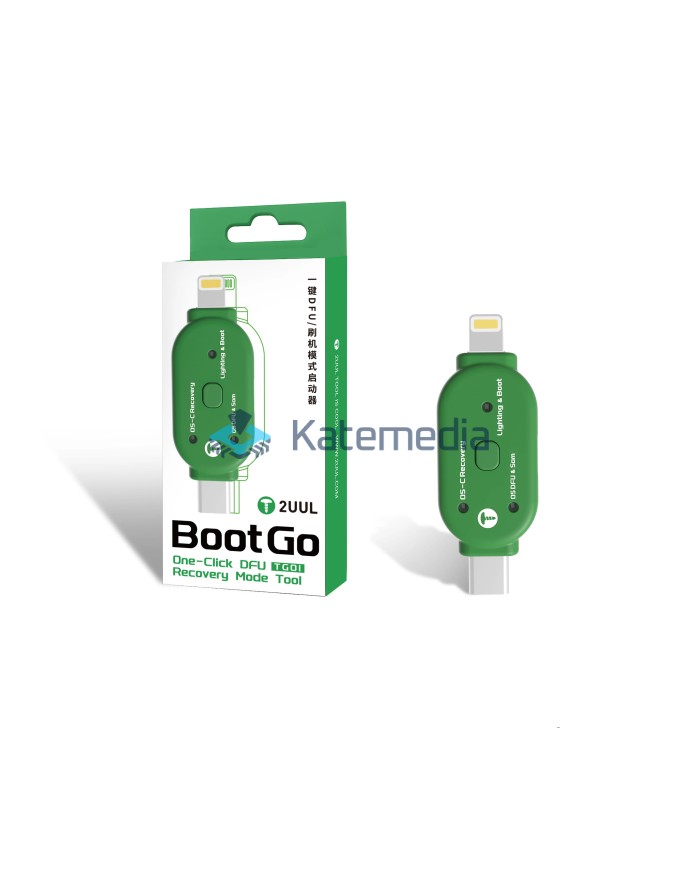
2UUL TG01 Boot Go One-Click DFU & Recovery Mode Tool for iPhone iPad
2UUL TG01 Boot Go One-Click DFU & Recovery Mode Tool for iPhone iPad
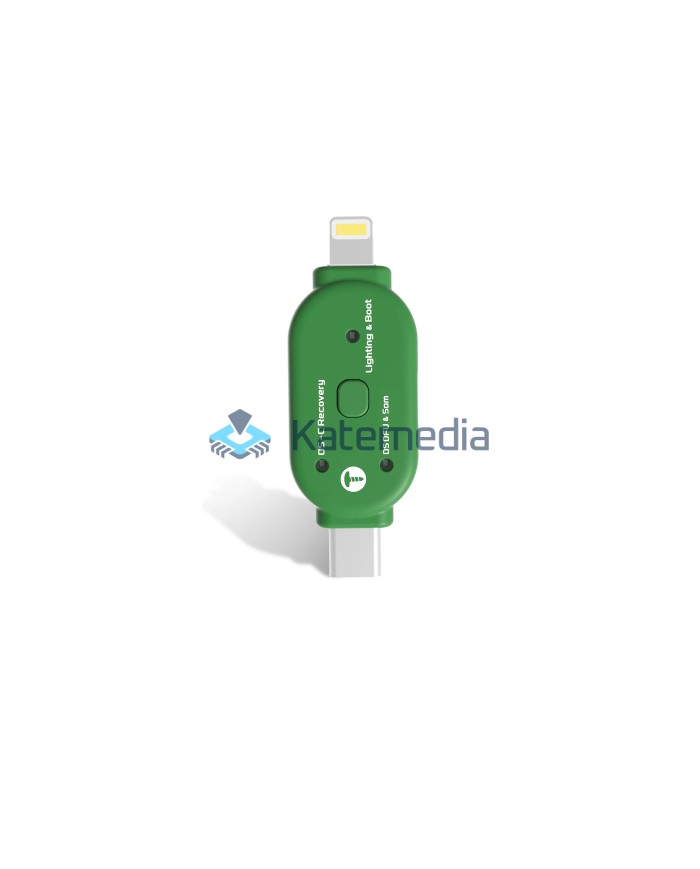
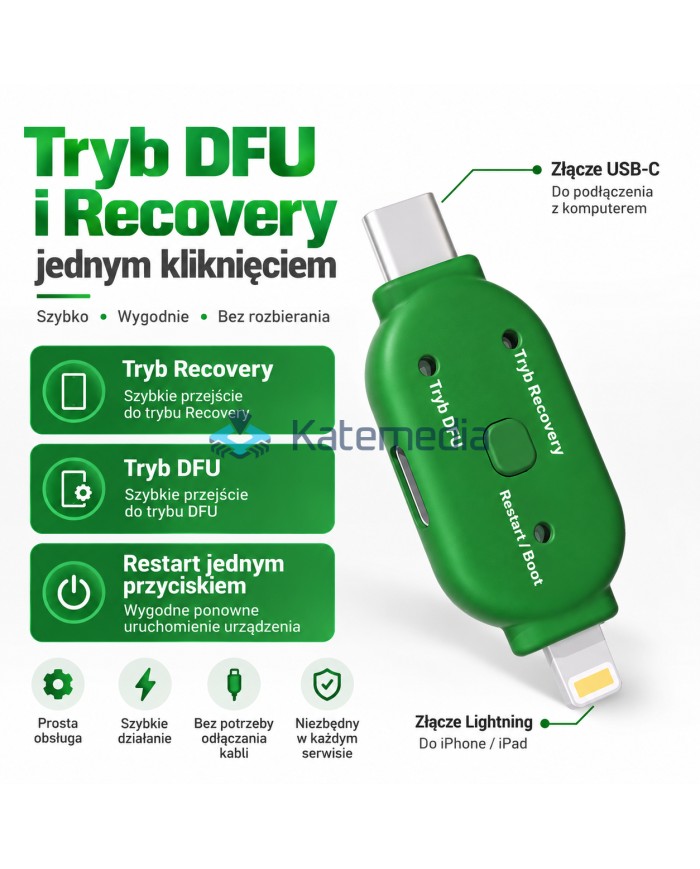
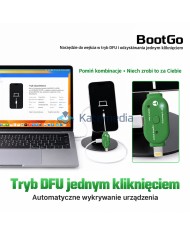
2UUL TG01 Boot Go is a compact service tool designed for quickly entering DFU, Recovery and Boot modes on compatible iPhone and iPad devices.
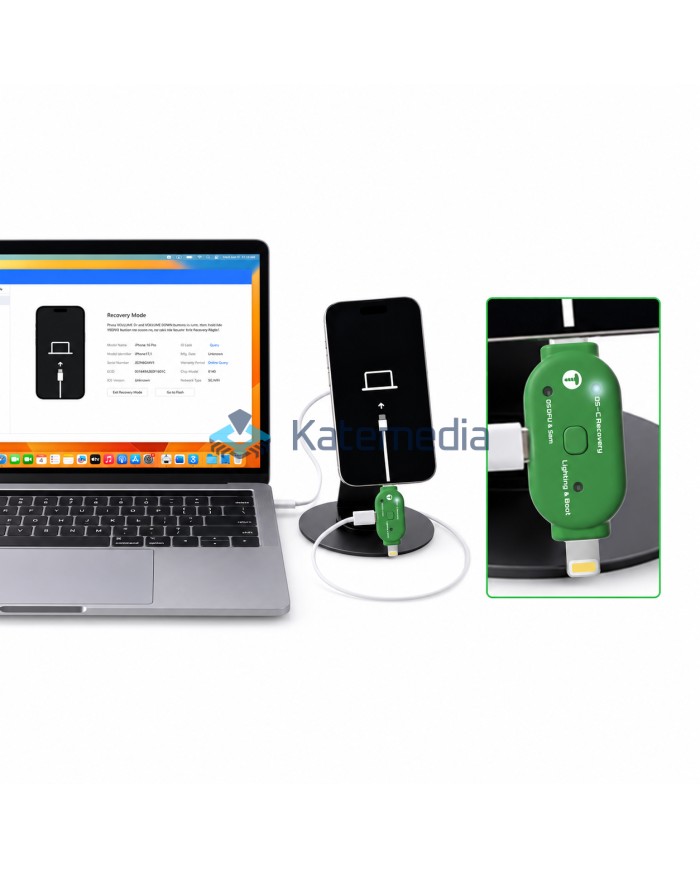
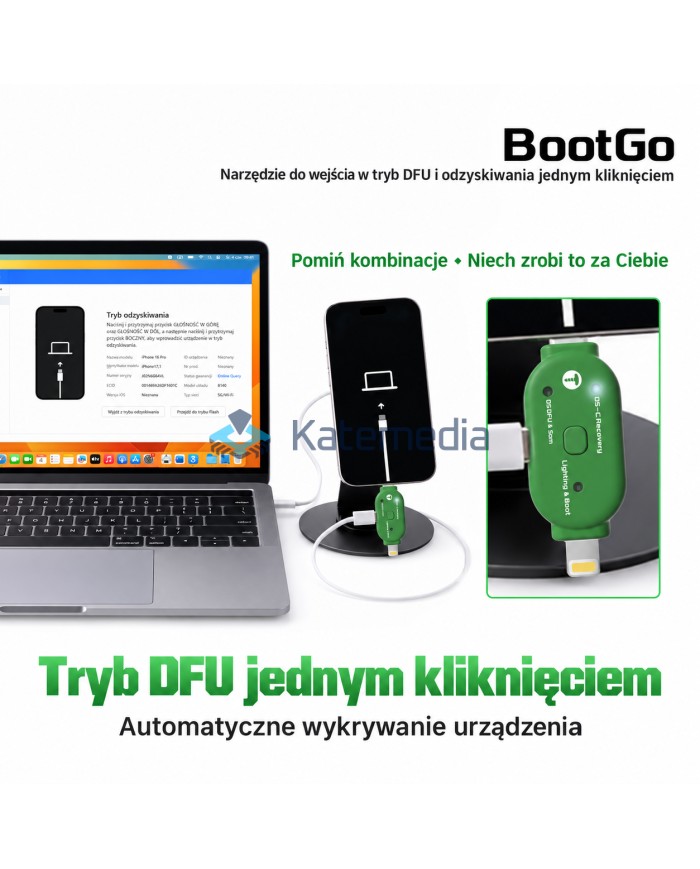
The adapter automatically detects the connected device and allows service modes to be switched using a single button, eliminating the need to perform manual button combinations on the phone. It features USB-C and Lightning connectors and is designed for everyday GSM repair and diagnostic work.
zł69.99
Tax included
Product availability
Product available
Delivery options
Learn more
2UUL TG01 Boot Go is a compact service adapter designed to simplify access to system and recovery modes on Apple devices.
Instead of manually performing button combinations on an iPhone or iPad, the technician can connect the device and select the required operating mode directly from the TG01.
It is especially useful in GSM repair shops for system recovery, diagnostics, software restoration and other service procedures requiring access to DFU or Recovery Mode.
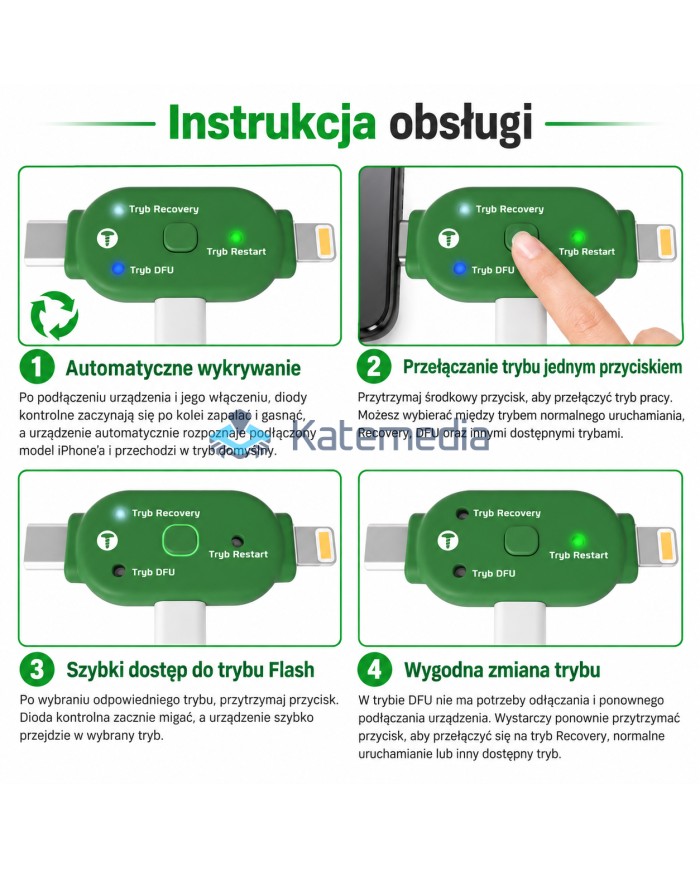
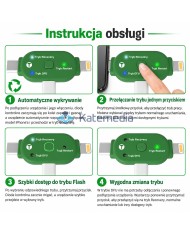
Automatic Device Detection
After connecting and powering the adapter, the indicator LEDs cycle while the device automatically detects the connected phone and enters the default operating mode.
This makes the service process faster and reduces the need for manual button combinations.
One-Button Mode Switching
The central button allows quick switching between available operating modes.
The TG01 supports convenient access to:
- Recovery Mode
- DFU Mode
- Normal Boot / Restart
After selecting the required mode, the button can be used to confirm and enter it.
Quick DFU Mode Access
TG01 allows the connected device to enter DFU Mode without manually performing the usual button sequence.
This can significantly simplify repeated service operations such as software restoration, diagnostics and system recovery.
Recovery Mode Access
The adapter also provides fast access to Recovery Mode, commonly used during system recovery and software servicing.
Once connected, there is no need to repeatedly unplug and reconnect the adapter when changing between supported modes.
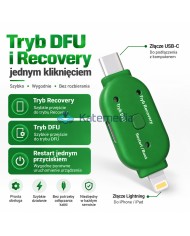
USB-C and Lightning Connectors
The TG01 features:
USB-C connector – for connection to a computer or service cable
Lightning connector – for connection to a compatible iPhone or iPad
Its compact design makes it easy to keep directly at the repair workstation.
Key Features
- one-click access to DFU Mode
- quick access to Recovery Mode
- automatic device detection
- one-button mode switching
- reduces the need for manual button combinations
- mode switching without repeatedly disconnecting the adapter
- USB-C connector
- Lightning connector
- LED status indicators
- compact service tool
- designed for iPhone and iPad servicing
Specifications
Brand: 2UUL
Model: TG01 Boot Go
Product type: DFU / Recovery service adapter
Supported functions: DFU, Recovery, Boot / Restart
Connectors: USB-C / Lightning
Control: Function button
Indicators: LED
Application: iPhone / iPad repair and servicing
Gross weight: approx. 20 g
Applications
The 2UUL TG01 is suitable for:
- entering DFU Mode
- entering Recovery Mode
- system recovery
- software restoration
- device diagnostics
- repeated GSM service operations
2UUL TG01 Boot Go is a practical tool for technicians who frequently work with iPhone and iPad devices and want faster access to service modes.
S2UULTG010
9
Items
No customer reviews for the moment.
You need to be logged in or create an account to give your appreciation of a review.