
 Polski


 Contact
 ul. Słowackiego 8
 sklep@katemedia.pl
 +48 570 025 000
There are no more items in your cart
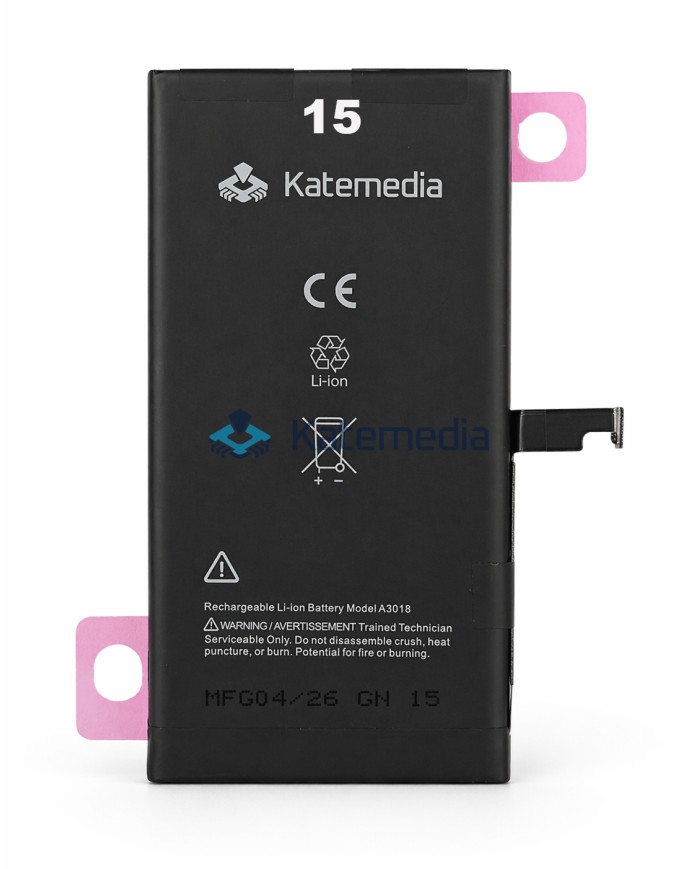
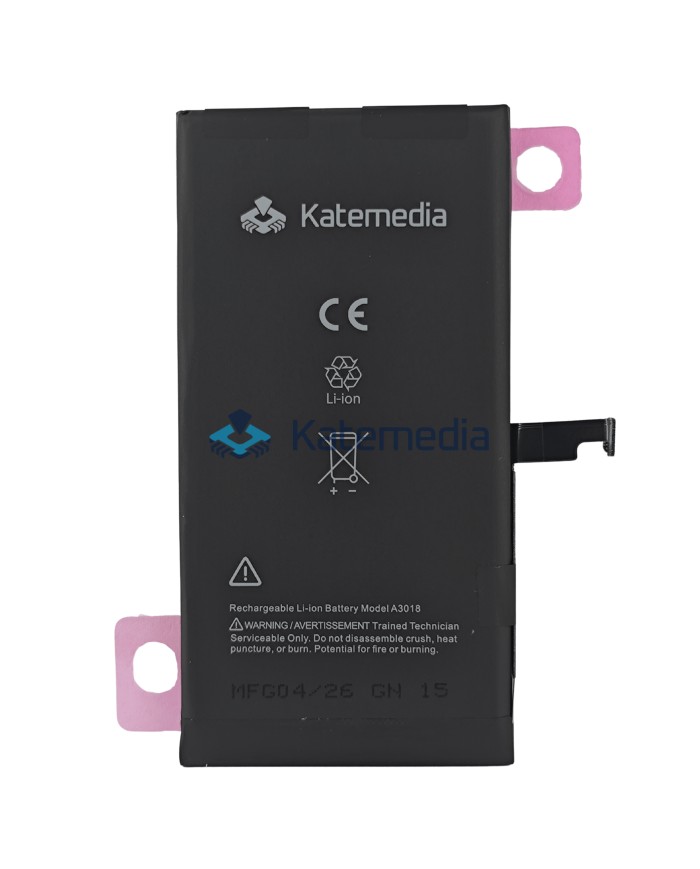
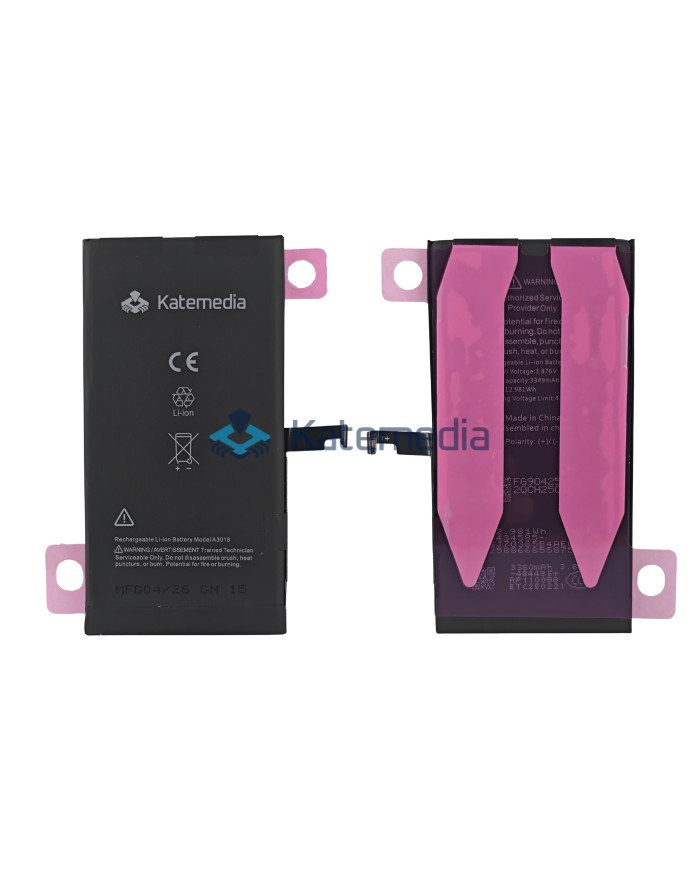
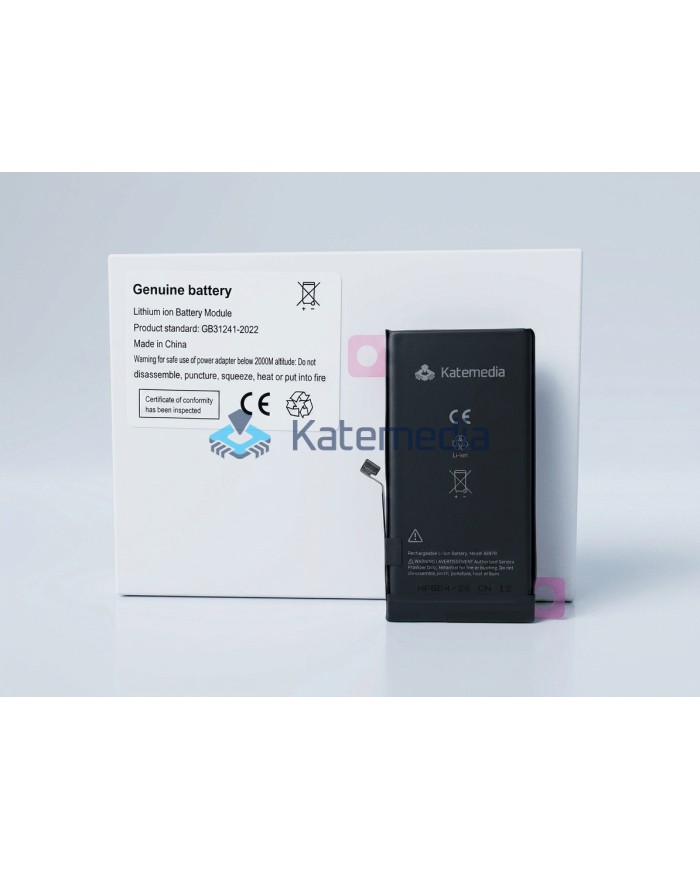
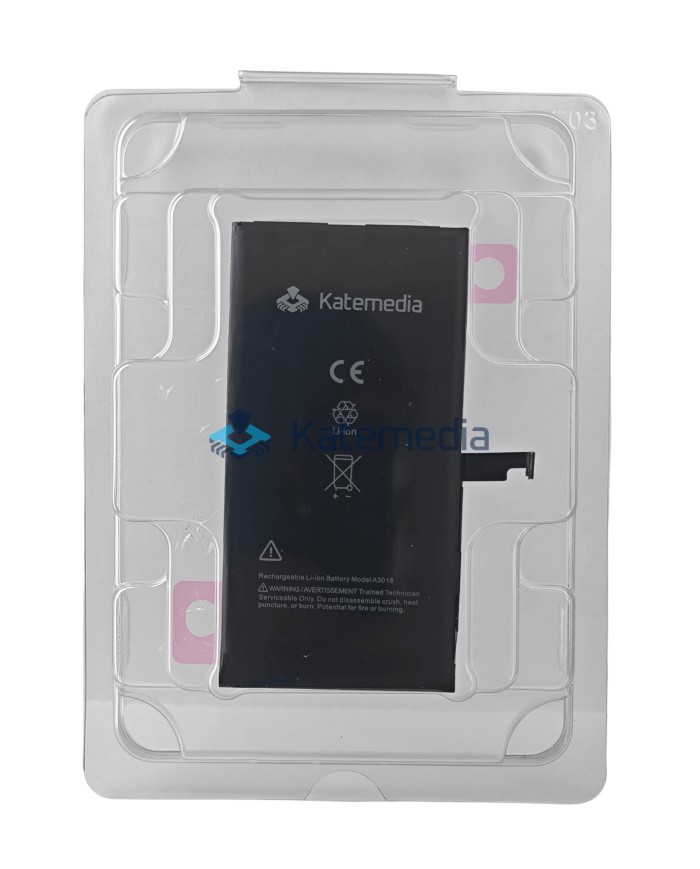
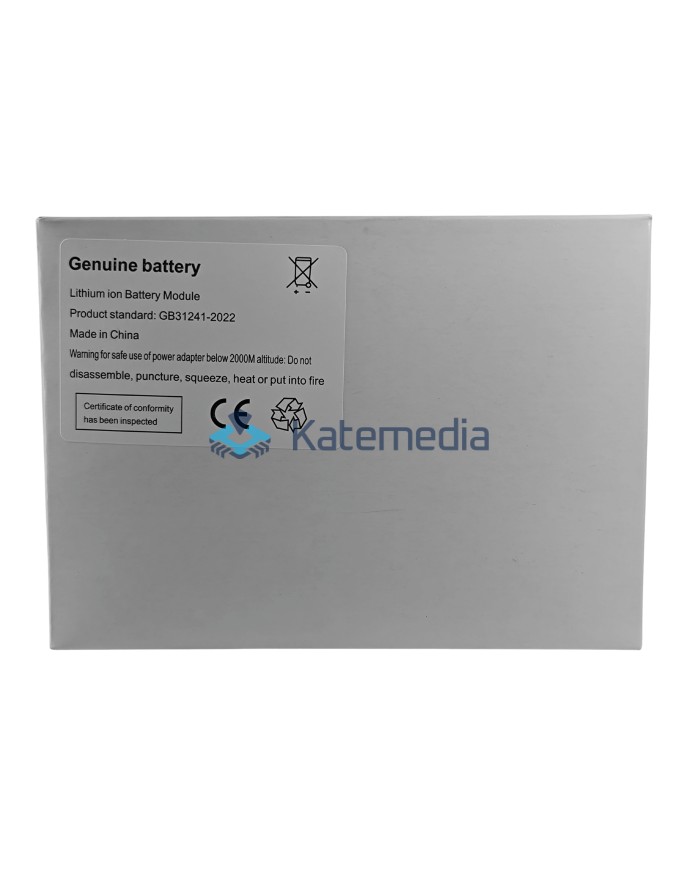
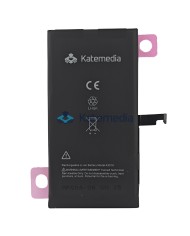
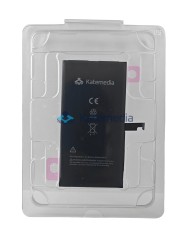
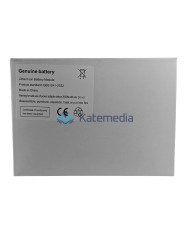
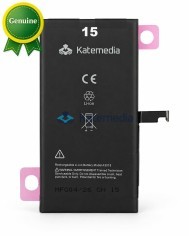
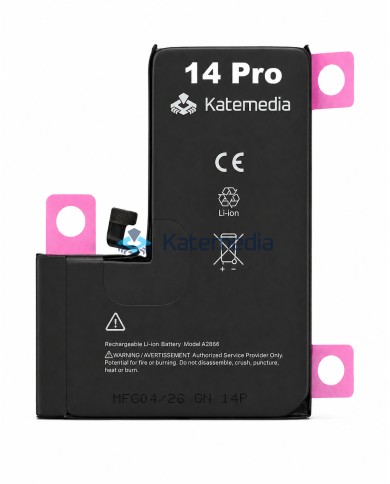
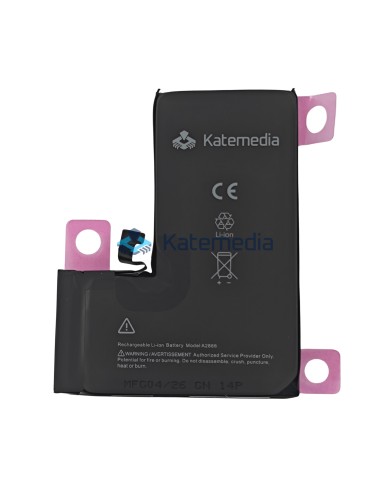
KTM Diagnosable Battery for iPhone 15
KTM Diagnosable Battery for iPhone 15
KTM Battery for Apple iPhone – Standard Capacity
KTM brand batteries are the result of many years of testing and selection, which led us to create a product that meets high quality standards. Thanks to direct cooperation with a proven cell factory, we offer a battery designed for professional replacement at a GSM service center.
This version of the KTM battery features non-invasive assignment technology. After installation and configuration in iOS, the battery is assigned as an original used part, without the need to solder BMS circuits or use an external programmer.
The battery has a standard capacity, making it perfect for replacing a worn-out cell in your phone.
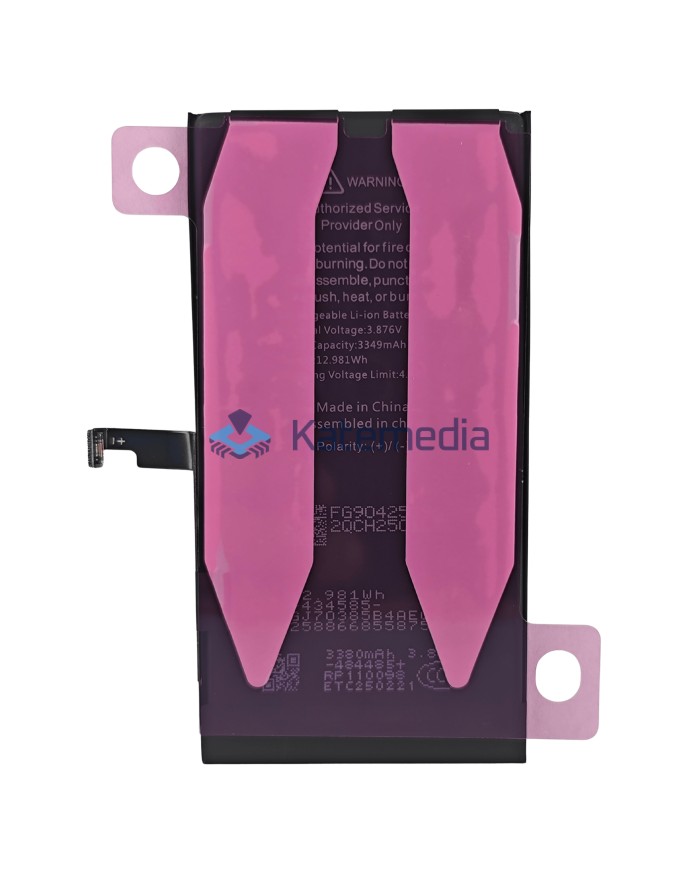
Battery capacity: 3349 mAh
zł72.00
Tax included
Product availability
Product available
Delivery options
Learn more
KTM Battery for Apple iPhone – Standard Capacity
No non-genuine battery warning!
Standard capacity and convenient iOS setup
How do I assign the battery as an ORIGINAL USED PART?
Thanks With KTM technology, you don't need to solder anything or use a programmer. The entire process can be completed in 3 simple steps:
1. INSTALLATION
Install the battery in your phone. Make sure you have the LATEST available version of iOS installed and access to Wi-Fi.
Install the battery in your phone. Make sure you have the LATEST available version of iOS installed and access to Wi-Fi.
2. SETTINGS
Go to:
Settings -> General -> This Device. There you will find the "Parts and Service History" section.
Go to:
Settings -> General -> This Device. There you will find the "Parts and Service History" section.
3. CONFIGURATION
Click the "Finish configuration" button. The phone will connect to the Apple server and assign the battery as a genuine used part.
Click the "Finish configuration" button. The phone will connect to the Apple server and assign the battery as a genuine used part.
Important before running battery diagnostics:
- The battery level must be above 20%.
- The phone must be updated to the latest official iOS version. Beta versions do not support diagnostics.
- A stable internet connection is required. Unstable Wi-Fi may cause a network or server error.
- Do not run diagnostics if third-party parts are installed, such as a display, camera, or Face ID module.
- If needed, temporarily install genuine components, run the battery diagnostics, and then reinstall the previous parts.
- If the result shows “Unknown,” restart the phone and run the test again. If the message still appears, it may indicate a rare BMS chip issue and the battery may need to be replaced.
- Before and during diagnostics, the phone should stay connected to the same network. Changing networks may interrupt the process.
Before we decided Since we started creating the KTM brand, thousands of batteries from various manufacturers have passed through our own service center. We tested them in our daily work, checking how they held voltage and how the system reacted to them. Only when we found a factory whose cells actually held their parameters did we enter into direct cooperation to offer products we could stand behind under our own brand.
What sets these batteries apart is that there's no need to solder the BMS electronics from an old battery or use external programmers. This saves a huge amount of time and eliminates the risk of damaging the delicate ribbon cables when relocating the electronics.
This version of the KTM battery has a standard capacity and, after configuration in iOS, is assigned as a genuine used part. This is a practical solution for repair shops looking for a proven battery for professional replacement, without paying extra for a variant labeled as new/genuine.
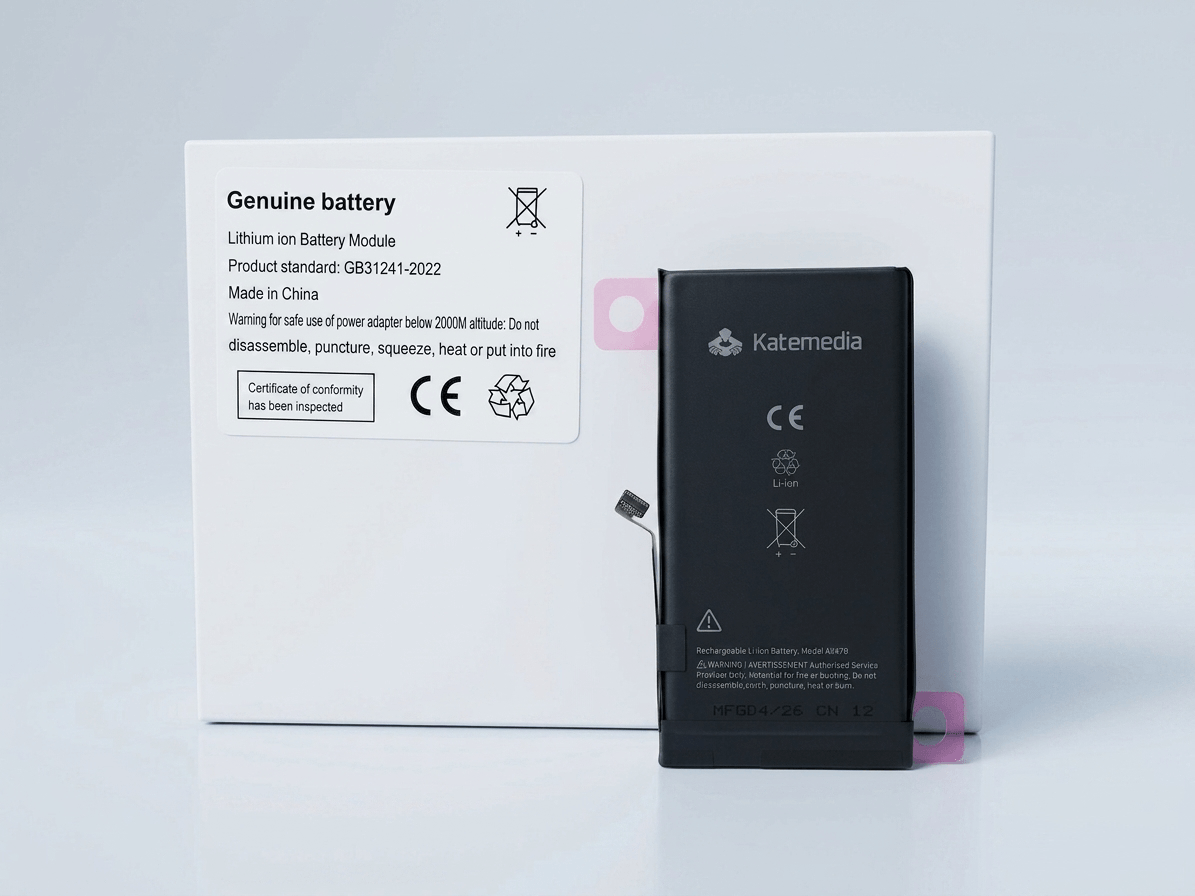
Why choose KTM?
-
Good value for money
KTM batteries were created for workshops that need stable and repeatable products for everyday work. This is a good choice for those looking for a proven battery at a reasonable price, without paying extra for a variant labeled as new/genuine.
-
Standard capacity
The battery has a standard capacity appropriate for a given iPhone model, making it ideal for standard battery replacement at a GSM service center.
-
Easy installation and a complete kit
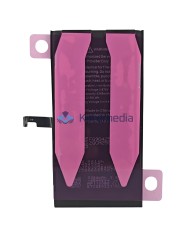
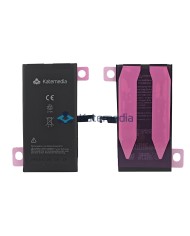
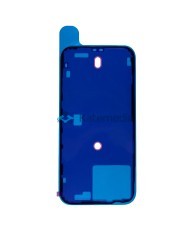
Each KTM battery is designed with efficient service in mind – the kit includes factory mounting tapes, eliminating the need for additional adhesives.
-
Assignment without soldering
The solution allows you to assign the battery in iOS without soldering the BMS electronics and without using an external programmer. After configuration, the battery is assigned as an original used part.
-
Priority Support
As our own brand, KTM is a key product for us. We guarantee the best after-sales care and a 12-month quality warranty.
Technical Specifications
| Brand: | KTM |
| Capacity: | 3349 mAh |
| Status after setup: | Battery assigned as original used part |
| Kit components: | Battery + factory mounting tapes |
| System requirements: | Latest available iOS version required for setup |
| Warranty: | 12 months |
IMPORTANT INFORMATION
The function of assigning a battery as an original used part requires the process to be carried out on the latest version of iOS currently available. Future software updates may affect the way the system recognizes components. As the manufacturer of the KTM brand, we guarantee the highest quality cells, but we are not responsible for changes introduced in subsequent system versions by Apple.
*Failure to update to the latest system version before configuration may prevent correct battery assignment.
BA1500KTDB
72
Items
No customer reviews for the moment.
You need to be logged in or create an account to give your appreciation of a review.