
 Polski


 Contact
 ul. Słowackiego 8
 sklep@katemedia.pl
 +48 570 025 000



There are no more items in your cart
Qianli iCopy Plus 2.3 3in1 programmer
Qianli iCopy Plus 2.3 3in1 programmer
🔧 QianLi iCopy Plus 2.3
QianLi iCopy Plus 2.3 is a universal service tool that combines up to 6 functions in one programmer.
Thanks to its versatility and ease of use, QianLi iCopy Plus 2.3 is an indispensable tool for every professional GSM service.
zł469.99
Tax included
Product availability
Product not available
Delivery options
Learn more
🔧 QianLi iCopy Plus 2.3 – True Tone, Battery, and Lightning Cable Programmer (6-in-1)
A professional tool for Apple device repair shops. QianLi iCopy Plus 2.3 allows you to safely transfer data from the original display to a new one while maintaining the True Tone function, as well as read and program batteries and test Lightning cables. The latest version (2025) features a built-in battery, a clear 2.8-inch display, and support for iPhone 6 to iPhone 14 Pro Max models.
✅ Key features:
- Screen data transfer (True Tone) – full color reproduction after LCD replacement.
- Battery diagnostics and programming – health, charging cycles, serial number, manufacturer, production date.
- Lightning cable and EarPods headset tester.
- Taptic Engine support – reading and recording vibration data for iPhone 7–X models.
- Computer-free operation – a completely mobile tool for service centers.
- Latest Q2.2 software – Full compatibility with new iPhone models.
📌 Technical Specifications:
- Model: QianLi iCopy Plus 2.3 (latest version 2025)
- Display: 2.8” color LCD
- Power supply: built-in battery + Lightning port
- Material: damage-resistant aluminum
- Menu languages: English, Spanish, Chinese
- Supported models:
- Battery: iPhone 6S – 14 Pro Max
- True Tone LCD: iPhone 12 – 15 Pro Max
- Display & Touch: iPhone 7 – 11 Pro Max
- Face ID: iPhone X – 14 Pro Max
- Taptic Engine: iPhone 7 – X
📦 Kit Contents:
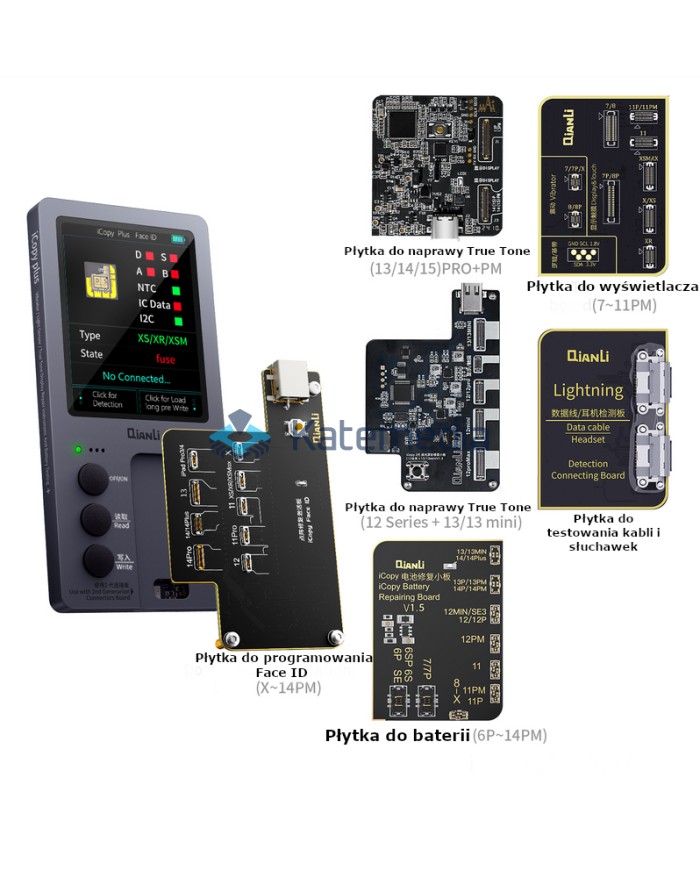
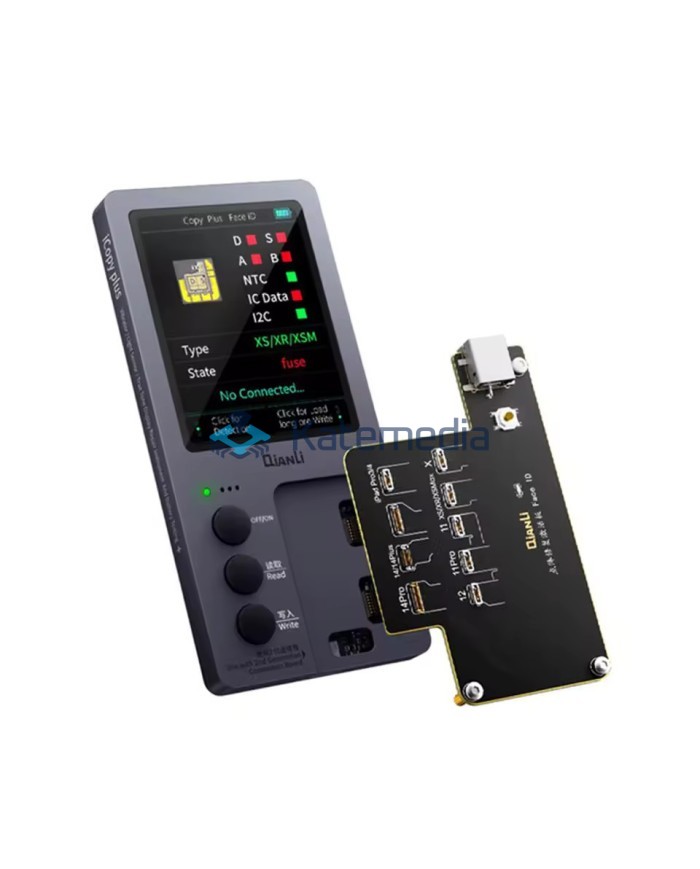
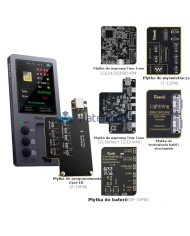
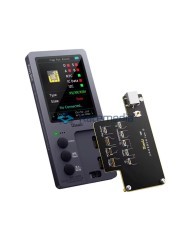
- 1 × QianLi iCopy Plus 2.3 Programmer
- 1 × Face ID Programming Board
- 1 × iPhone 13/14/15 Pro+PM True Tone Data Transfer Board (from old iPhone screen to new one)
- 1 × iPhone 12 + 13/13 mini True Tone Data Transfer Board (from old iPhone screen to new one)
- 1 × Board for testing Lightning cables and EarPods
- 1 x Battery board.
- 1 x Display and touch testing board.
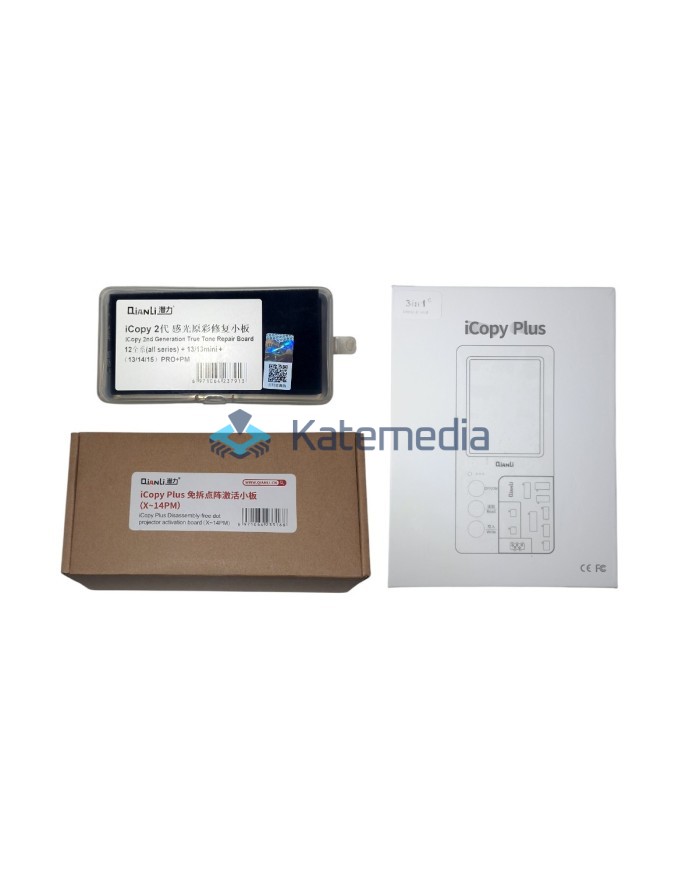
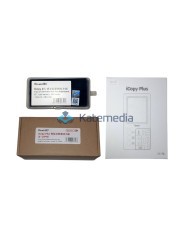
- 1 × Original, sealed manufacturer's packaging
⚡ Quick instructions for copying screen data:
- Connect the old display to the programmer → click Read.
- Connect the new display → click Write.
- Done - the new display has full True Tone functionality.
Note: The product is intended for professional use only – it requires knowledge and service experience. Returns are not possible after the seals have been broken (Article 38 of the Consumer Rights Act – the product contains service software).
SQIPG23ICP
No customer reviews for the moment.
You need to be logged in or create an account to give your appreciation of a review.