
 Polski


 Contact
 ul. Słowackiego 8
 sklep@katemedia.pl
 +48 570 025 000




There are no more items in your cart
JCID RT240 - Portable Screen Tester
zł1,399.99
Tax included
Product availability
Last remaining items
Delivery options
Learn more
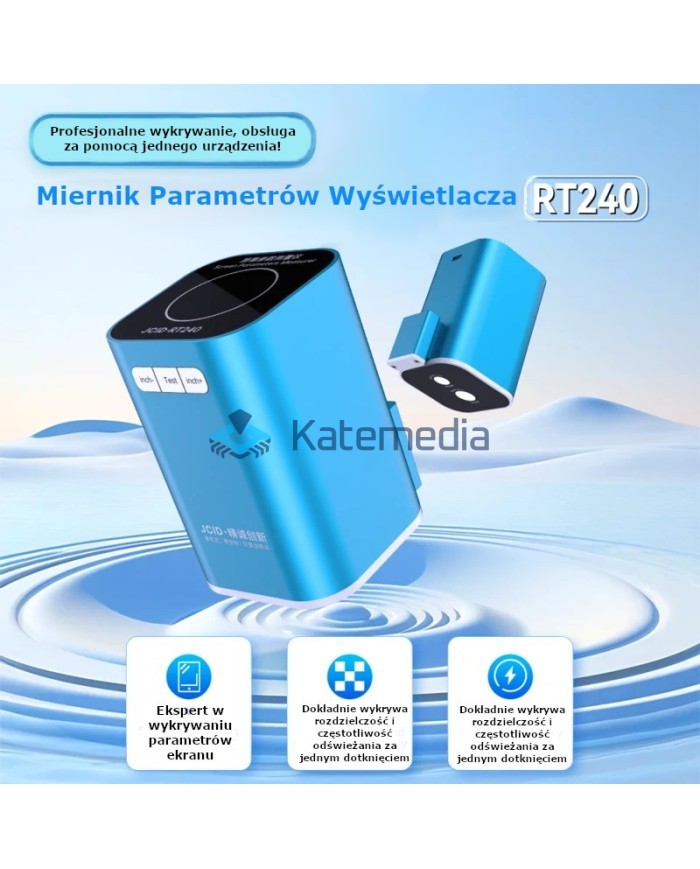
JCID RT240: Professional LCD/OLED Screen Tester
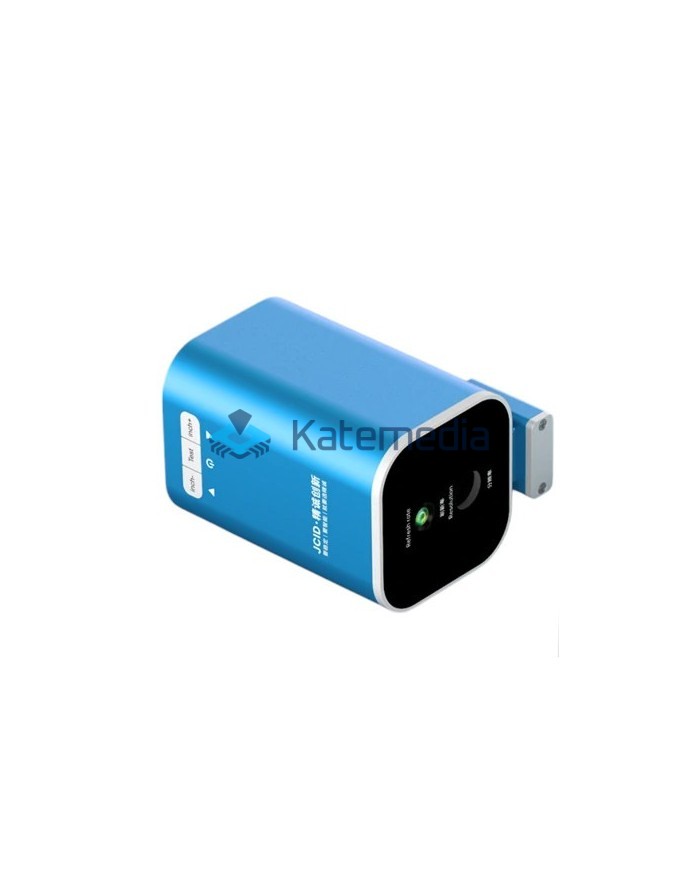
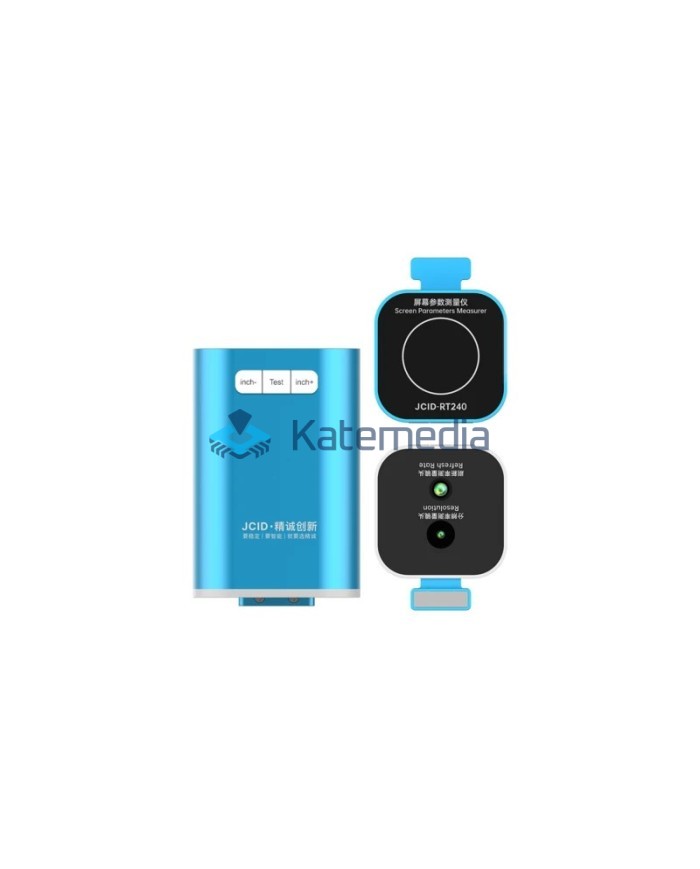
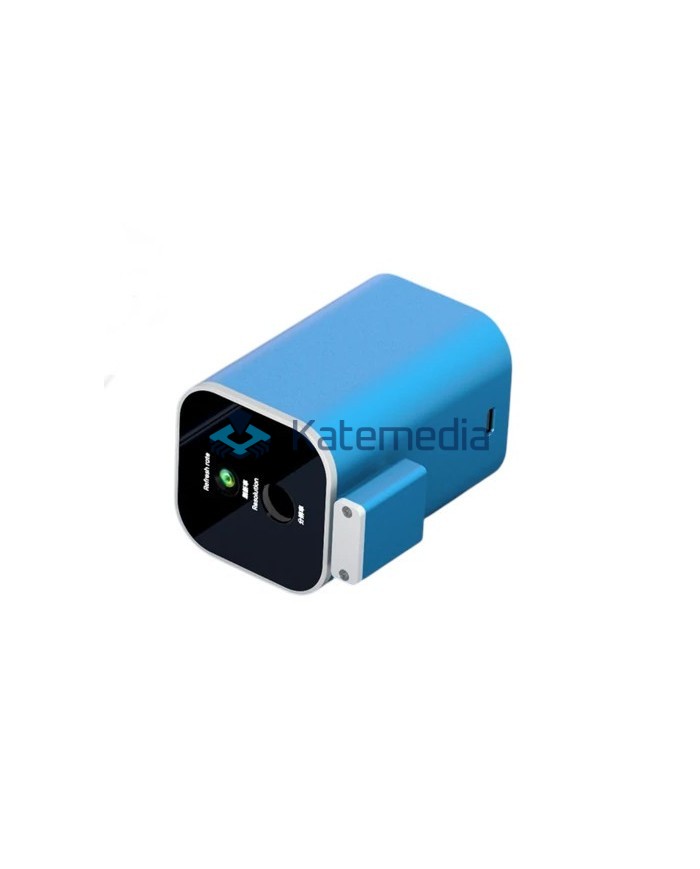
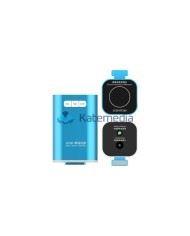
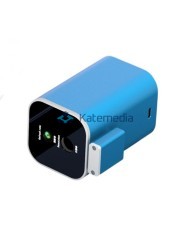
Introducing JCID RT240 – an advanced yet extremely intuitive diagnostic tool designed for precise testing of LCD and OLED screens. This compact module provides irreplaceable support for professionals servicing mobile devices, as well as for demanding users.
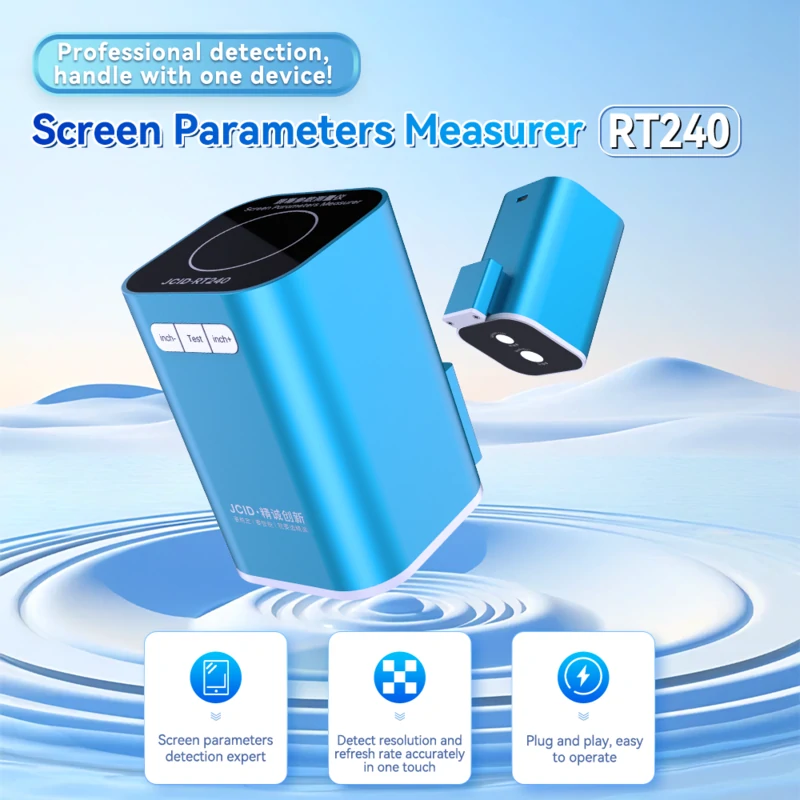
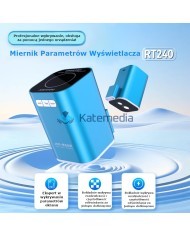
RT240 Display Meter: Professional Detection, Single Device Operation!
Key Product Features:
- Exceptional Quality of Workmanship:
The JCID RT240 is distinguished by its precise craftsmanship, which translates into the reliability and durability of the device in everyday use.
- Optimal Portability:
Thanks to its small dimensions, the tester is exceptionally handy and easy to transport. It fits in your pocket, providing diagnostics anywhere, anytime.
- Intuitive Operation (Plug & Play):
Designed for maximum simplicity, the JCID RT240 allows you to get started right away. Plug-and-play functionality eliminates the need for complicated configuration.
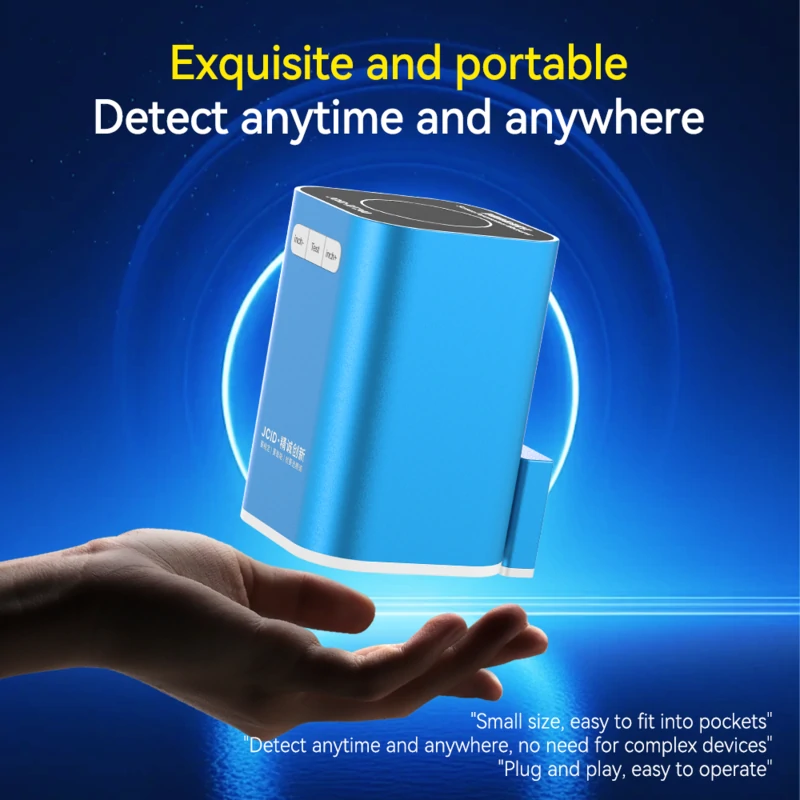
Easily fits in your pocket, eliminating the need for complicated and bulky equipment.
- Precise Resolution Analysis:
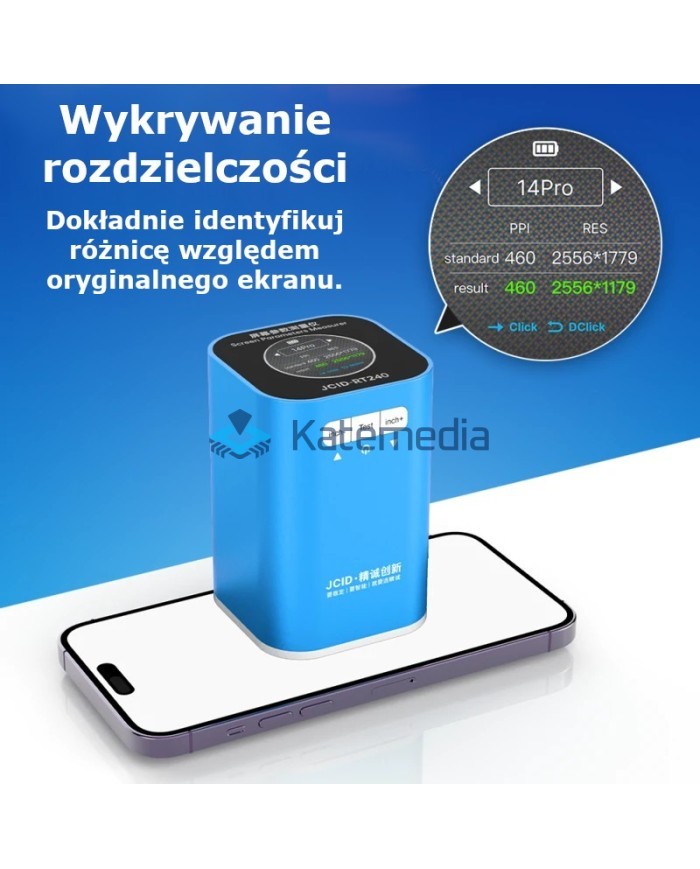
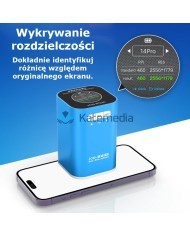
The device allows for quick and accurate verification of the resolution of the tested screen. All you need is a white image on your phone, and JCID RT240 will provide precise data.
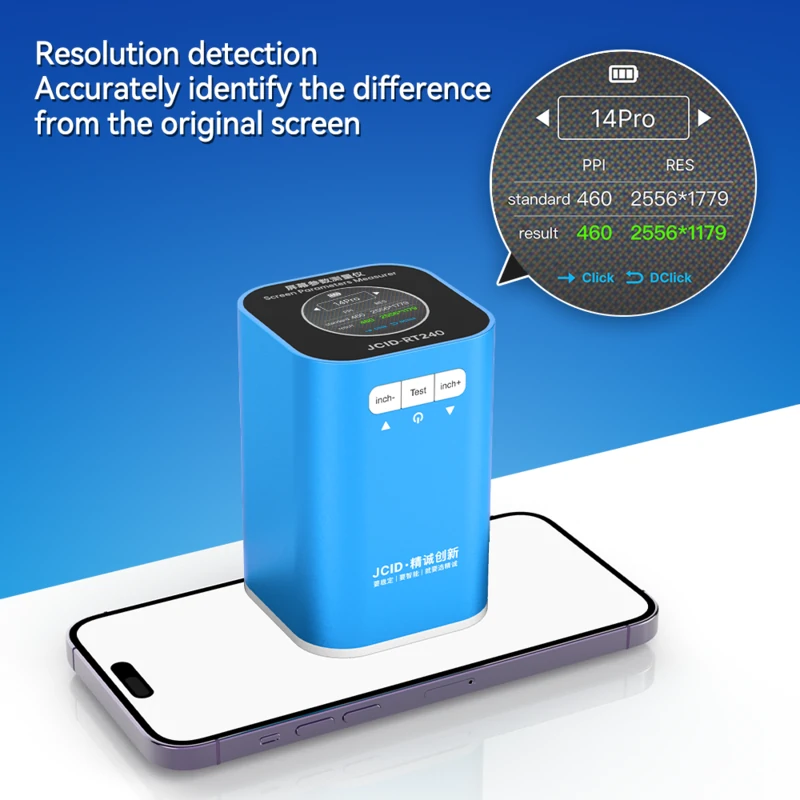
Resolution Detection: Accurately identify the difference from the original screen.
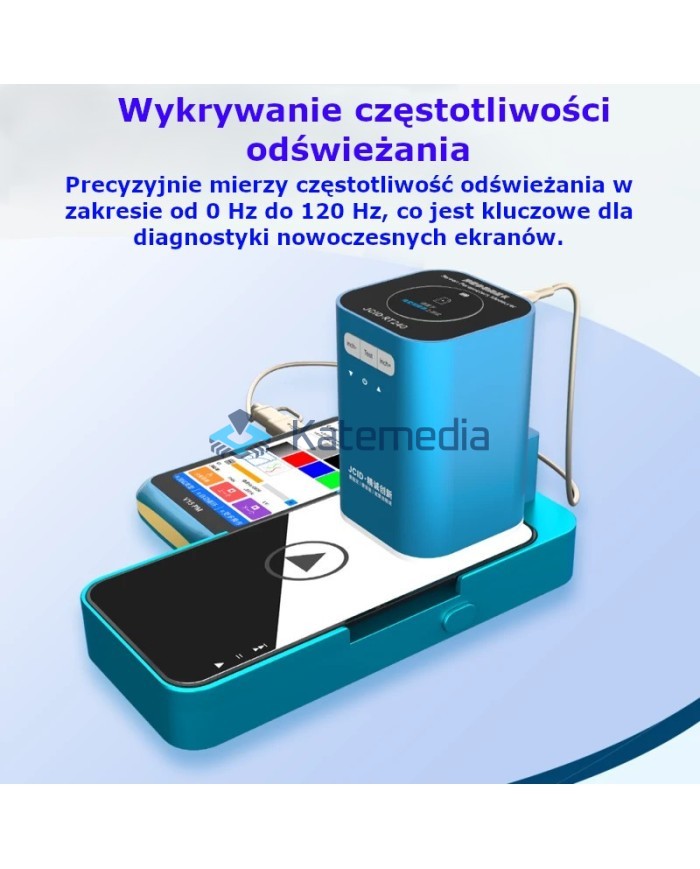
- Advanced Refresh Rate Test:
Check the smoothness of your display by testing your refresh rate. The process supported by QR codes and video materials guarantees the highest precision.
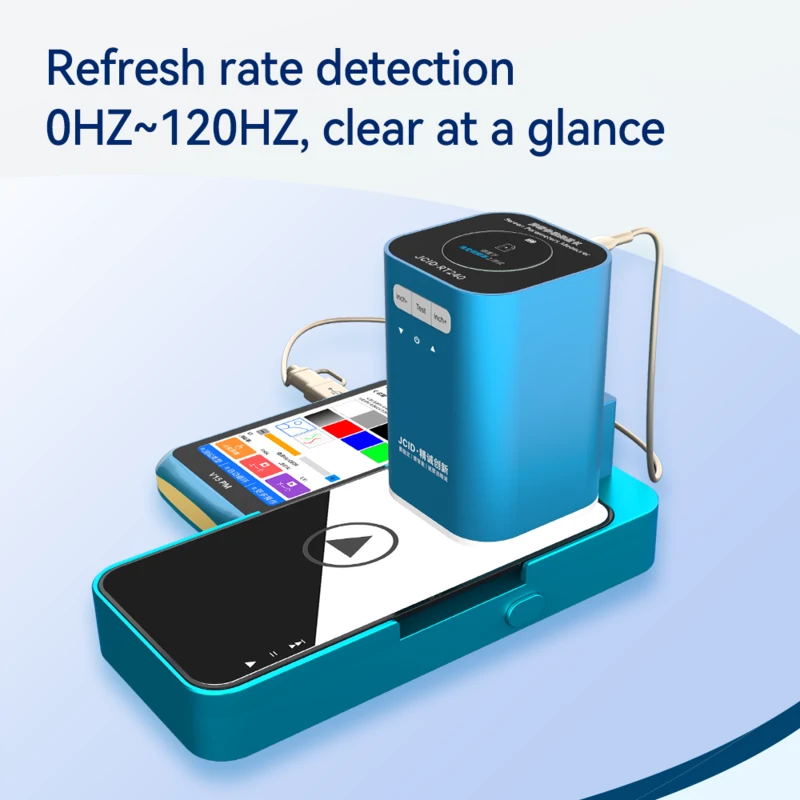
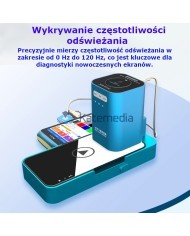
Refresh Rate Detection: Accurately measures refresh rate from 0 Hz to 120 Hz.
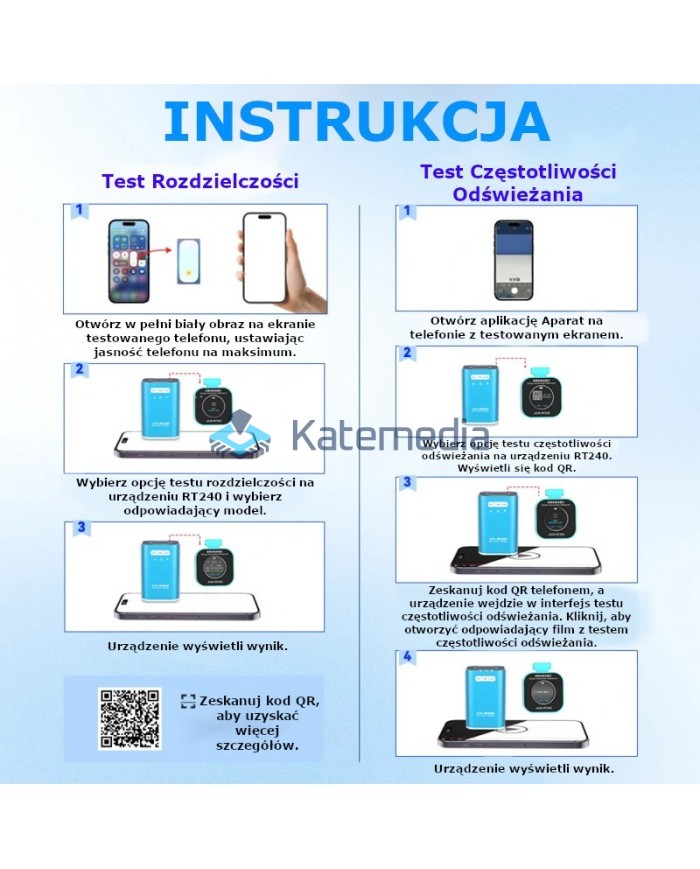
Simple User Guide:
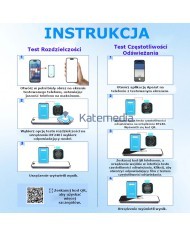
Resolution Test
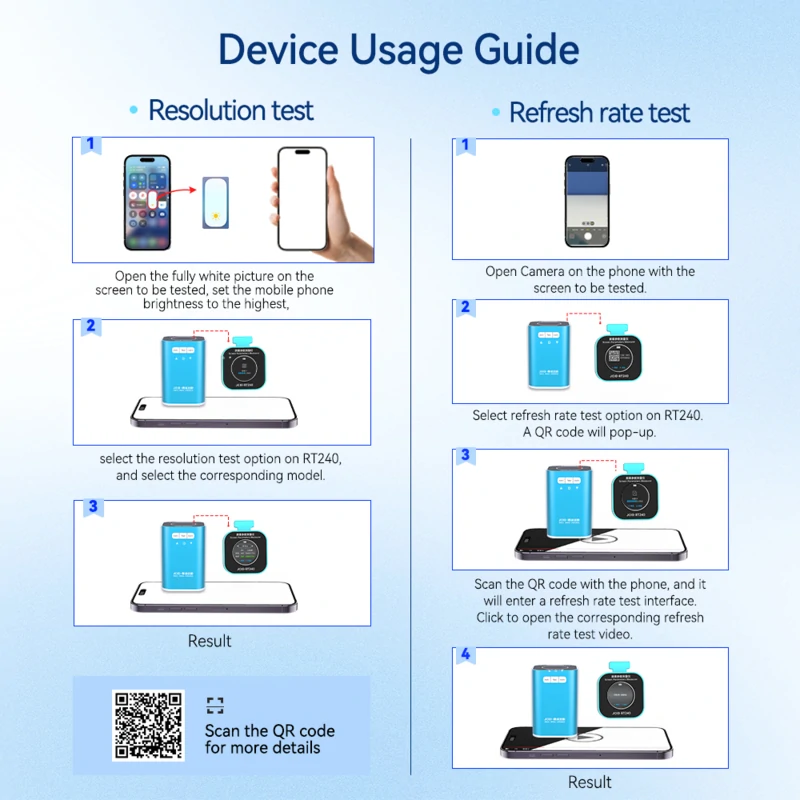
- Open a white image on your phone's screen, setting the brightness to maximum.
- Select the resolution test option on RT240 and the appropriate model.
- The device will display the result.
Scan QR code for more details.
Refresh Rate Test
- Open the Camera app on your phone.
- Select the refresh rate test option on the RT240. A QR code will appear.
- Scan the QR code with your phone, click to open the test video.
- The device will display the result.
JCID RT240 is an investment in efficiency and certainty. It is a tool that will facilitate and speed up the process of verifying screens.
SJCIDRT240
2
Items
No customer reviews for the moment.
You need to be logged in or create an account to give your appreciation of a review.