
 Polski


 Contact
 ul. Słowackiego 8
 sklep@katemedia.pl
 +48 570 025 000

There are no more items in your cart
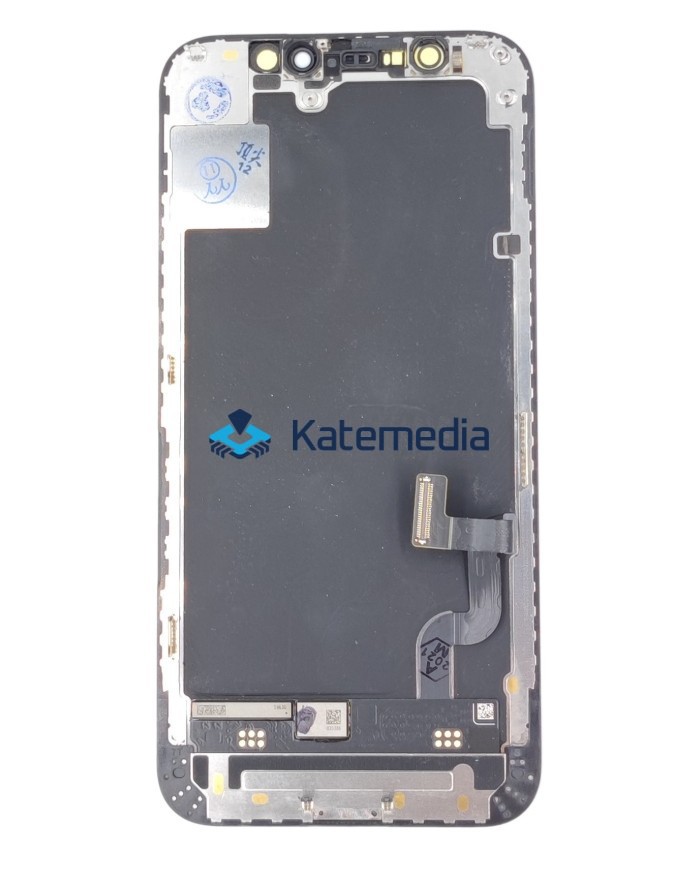
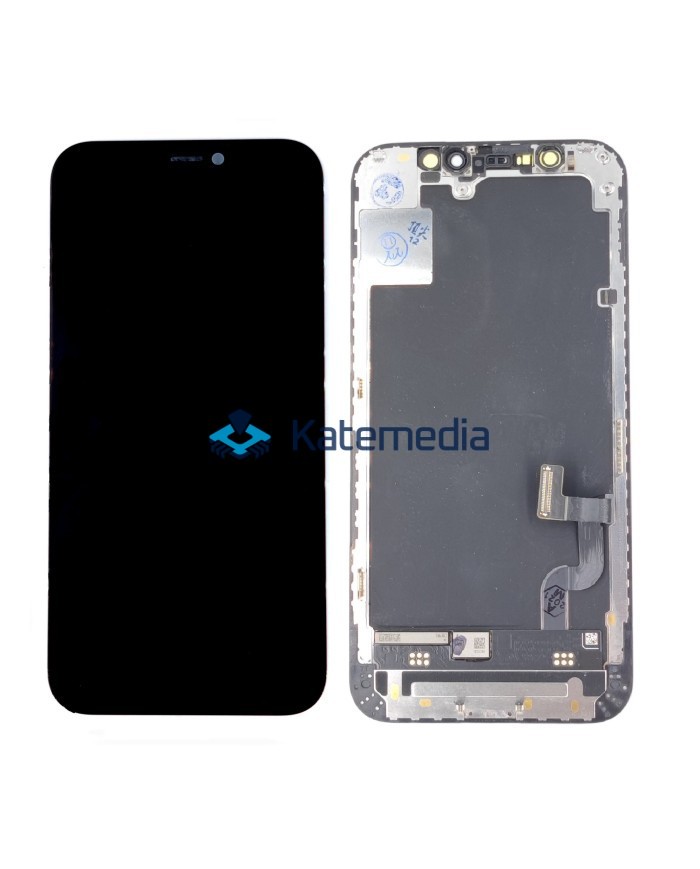
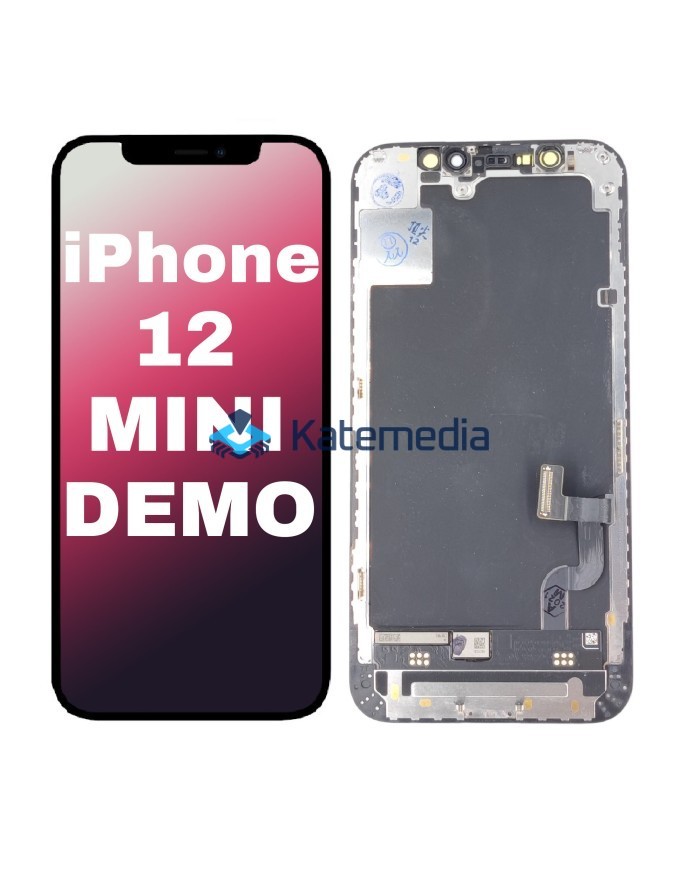
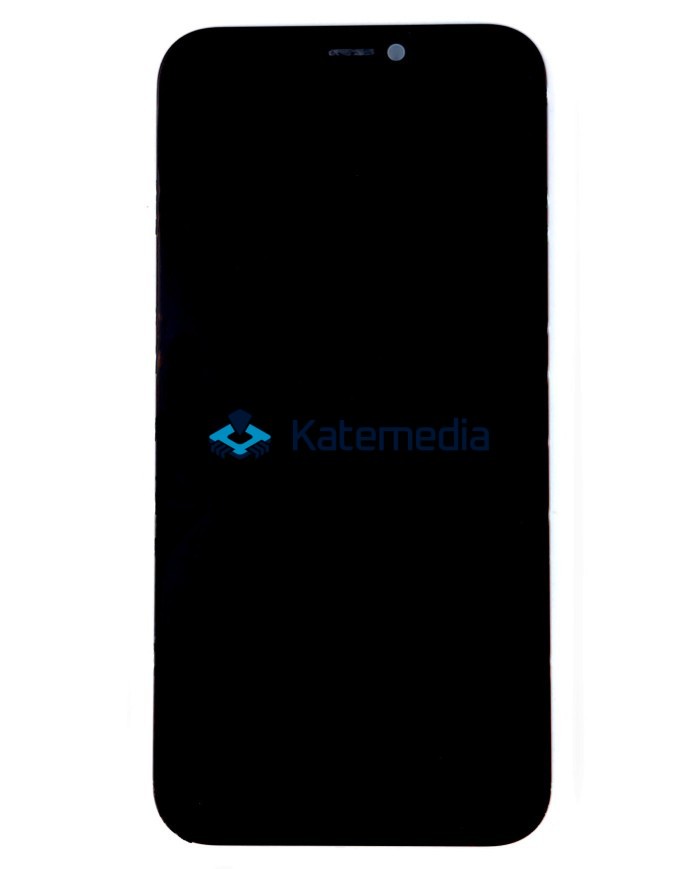
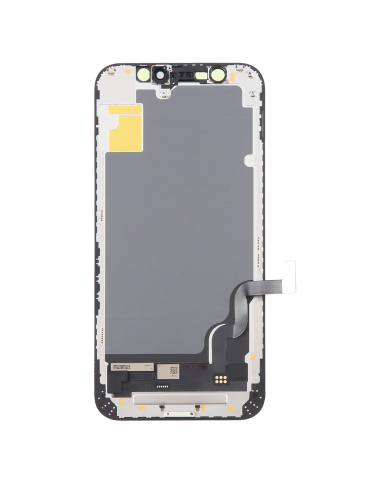
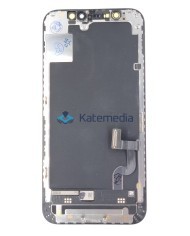
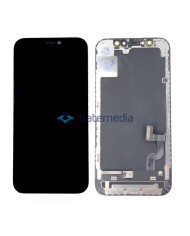
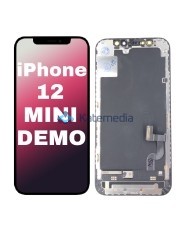
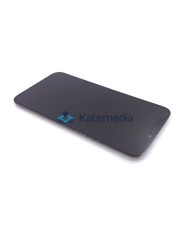
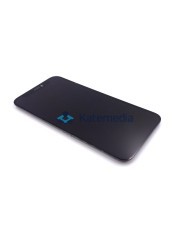
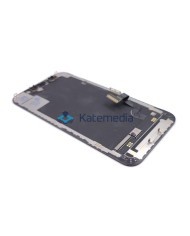
LCD SCREEN iPhone 12 Mini ORG REMOVED Diagnosa
LCD SCREEN iPhone 12 Mini ORG REMOVED Diagnosa
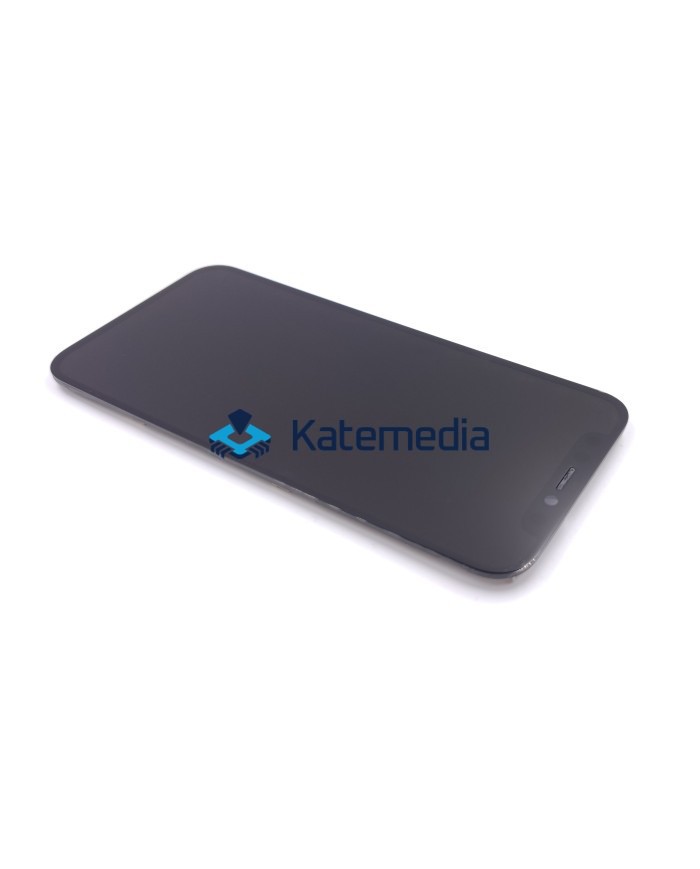
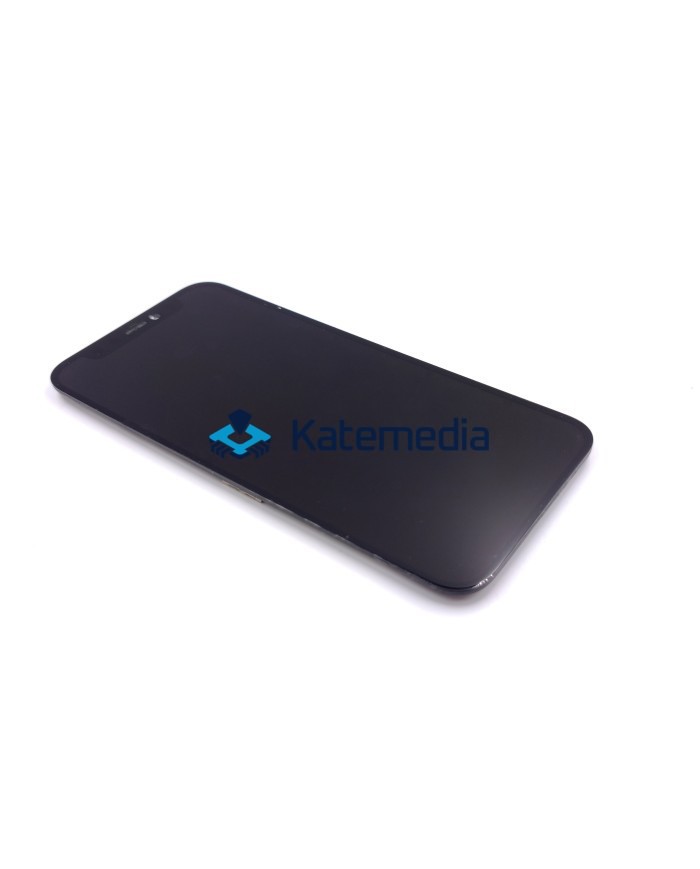
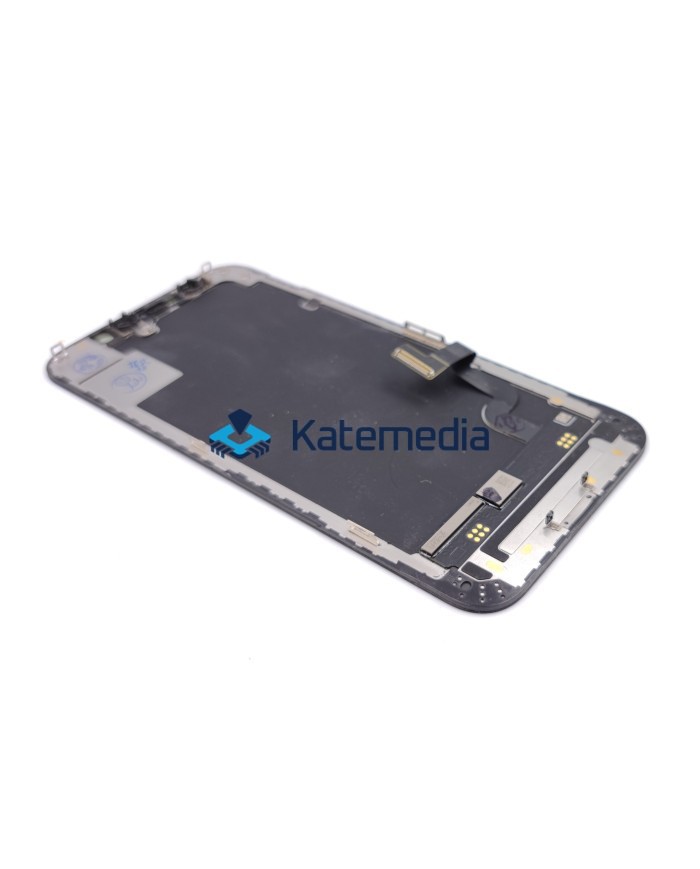
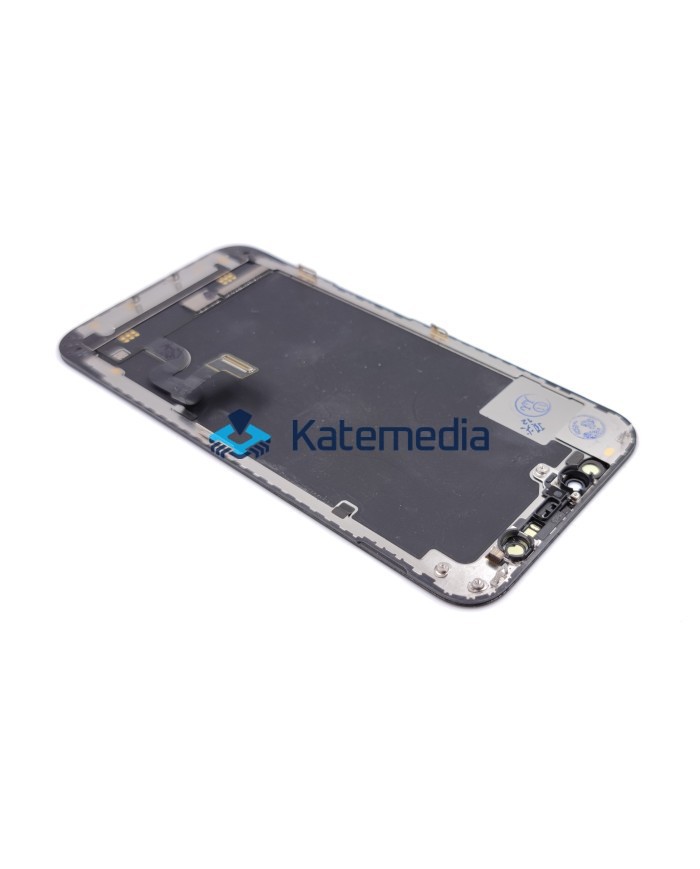
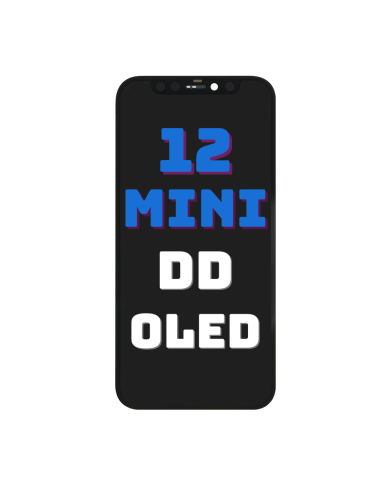
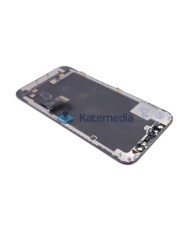
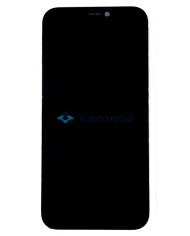
Original pulled display for iPhone 12 mini
We offer an original display removed from a device, designed for the iPhone 12 mini. It comes from a used device but has been carefully removed and tested, retaining full functionality and aesthetic quality. It delivers excellent color reproduction, deep blacks, and high brightness, ensuring a comfortable user experience.
Our pulled displays are in perfect condition—free from scratches, burn-in, or other defects. Each unit undergoes rigorous testing to ensure genuine Apple quality. It is a cost-effective and eco-friendly solution that lets you enjoy high quality at a better price.
Check out the guide on iPhone display pairing.
PAIRING GUIDE →
zł347.00
Tax included
Product availability
Last remaining items
Delivery options
Learn more
Key features
Genuine Apple quality: guarantees superior image quality and touch responsiveness.
Eco-friendly solution: reuse of original components, reduction of electronic waste.
Can be paired as genuine: after installation, you can easily pair the screen in the phone settings, eliminating the "non-genuine part" notification. The process is very simple and takes just a moment. It allows for full functionality to be retained, including True Tone and Face ID.
Great value: original quality at a better price than new screens.
Screen type: OLED – excellent image quality and contrast.
Touch controller transfer (resoldering): YES (requires prior removal of the original controller).
KATEMEDIA GUIDE
Assigning iPhone displays
Before installation, check our guide on assigning iPhone displays.
View the pairing guide →Why choose a pulled display?
- Original Apple quality – no differences in brightness, color, or touch responsiveness.
- Improved touch response – the screen operates smoothly, without lag or sensitivity issues.
- Eco-friendly solution – reusing original parts reduces electronic waste.
- Better price – original quality at a lower price than brand-new screens.
Kit contents
Pulled display for iPhone 12 mini.
Additional option to return your original display
Do you have a broken original display? You can send it to us and get some money back! This way, you not only lower the cost of purchasing a new screen but also contribute to recycling and the reuse of parts.
Broken screen buyback →Before purchasing, it is worth getting the following items available in our store:
- Repair tools
- Adhesives
- Tapes
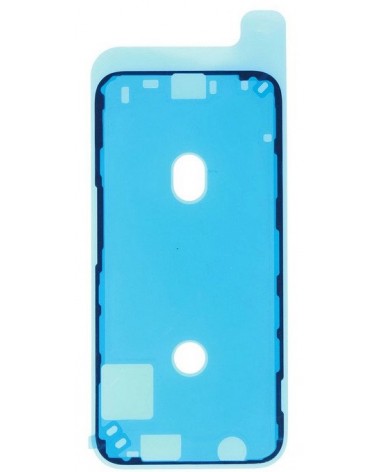
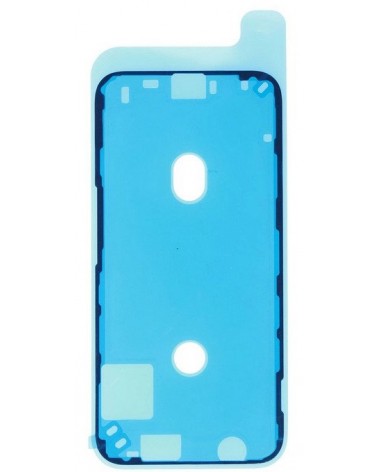
- Gaskets/Seals
Protecting the product before shipping
All our displays are secured with a special protective film.
The film protects the screen from scratches during transport.
Our products are shipped wrapped in bubble wrap to protect the display from damage.
We verify that the display is functioning correctly before shipment.
A protective film and a warranty seal are also applied to the back of the display.
Check the display before installation
Please thoroughly test the LCD and touchscreen for at least 10 minutes before proceeding with the actual installation.
Do not remove the protective film until you are certain the display is free of defects and functioning correctly. The display may be incompatible with certain motherboard or software versions.
ATTENTION!
Please pay close attention to the positioning of the ribbon cables during display installation. Improper placement within the housing can cause the cables to break, resulting in screen malfunctions.
LAP12MDEMO
1
Item
No customer reviews for the moment.
You need to be logged in or create an account to give your appreciation of a review.