
 Polski


 Contact
 ul. Słowackiego 8
 sklep@katemedia.pl
 +48 570 025 000


There are no more items in your cart
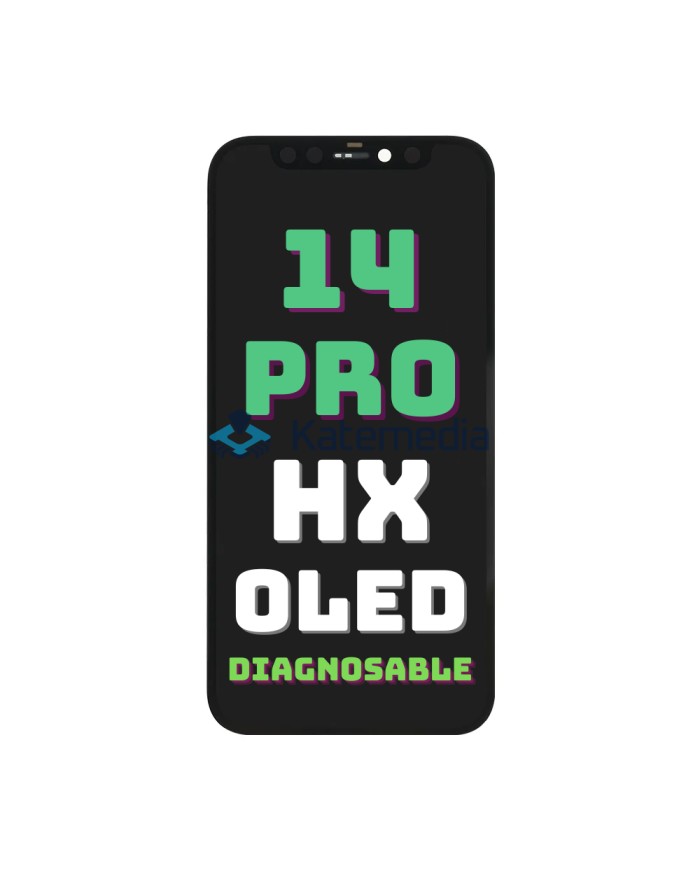
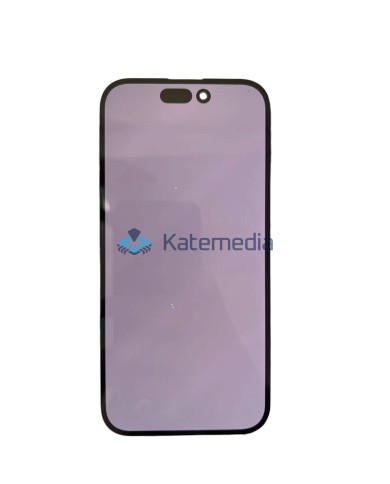
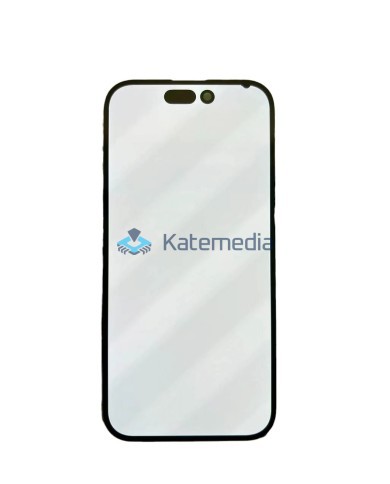
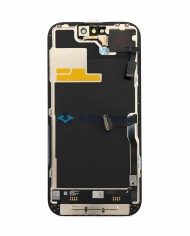
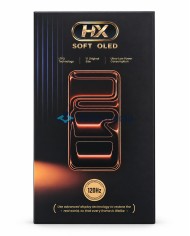
iPhone 14 Pro HX Soft OLED 120Hz Display DIAGNOSABLE
iPhone 14 Pro HX Soft OLED 120Hz Display DIAGNOSABLE
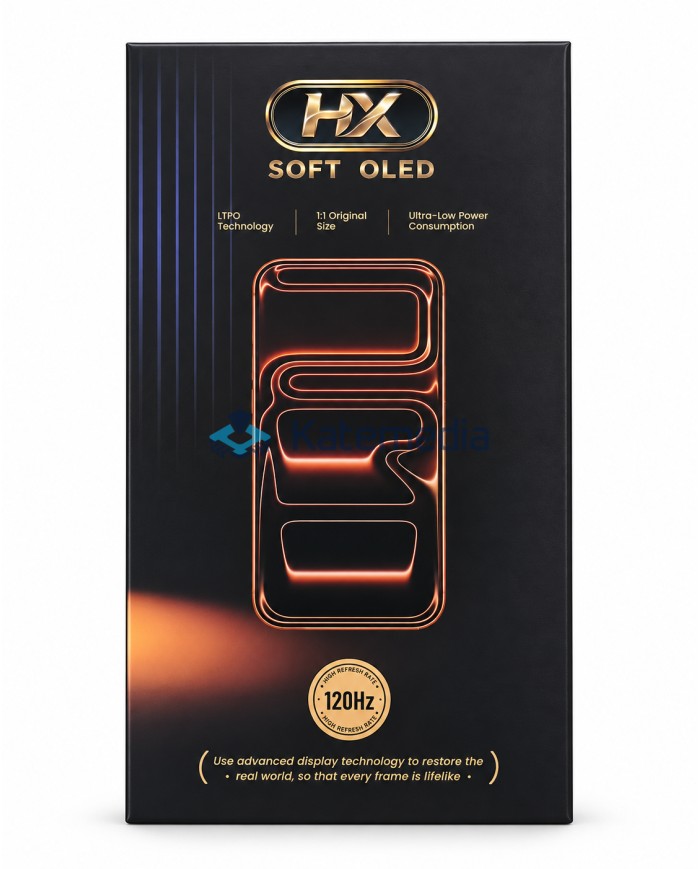
HX Soft OLED for iPhone 14 Pro
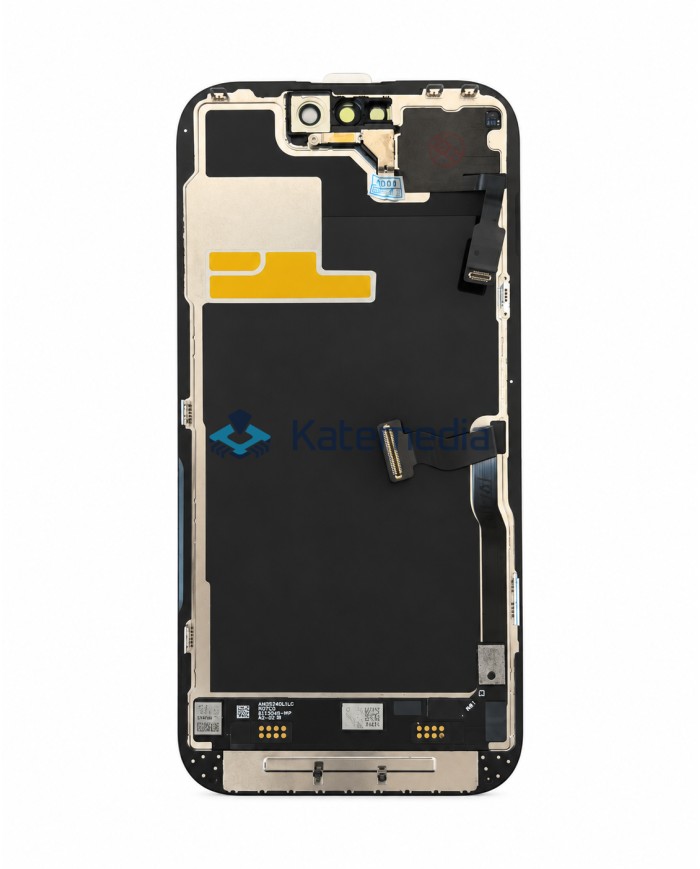
We offer a high-quality HX Soft OLED display for the iPhone 14 Pro. The product is manufactured using Soft OLED technology and designed to closely replicate the factory screen in terms of fit, appearance, and daily usability.
The display features thin bezels that closely match the original factory display, ensuring the phone retains its aesthetic appeal after installation. Soft OLED technology ensures excellent image quality.
The display supports a 120 Hz refresh rate
The product supports screen-to-device pairing; once the process is successfully completed, it can appear in the phone's settings as a genuine used part.
PAIRING GUIDE →
zł486.00
Tax included
Product availability
Last remaining items
Delivery options
Learn more
iPhone 14 Pro HX Soft OLED 120 Hz display - assignable
High-quality HX display made using Soft OLED technology, designed to best reproduce the factory iPhone 14 Pro screen. It offers thin frames, 120 Hz refresh rate, low power consumption and the ability to assign the display.
Key Features
Soft OLED technology: the display uses a high-quality Soft OLED panel, thanks to which the screen design and image display are similar to the solution used in the factory display.
Thin frames like in the original display: Precisely made screen frames allow you to maintain the aesthetic, factory appearance of the phone after assembly.
Assigned as original used part: Built-in independent diagnostics and no IC transfer required, which speeds up the service process and eliminates "Unknown Part" messages.
120 Hz refresh rate: high refresh rate ensures smooth scrolling of content, animations and high comfort of using the phone.
Energy-saving design: The panel is designed for low power consumption, which reduces unnecessary strain on the battery during everyday use.
High image quality: OLED technology ensures deep black, high contrast, saturated colors and very good readability of displayed content.
Precise fit: the display structure was prepared to fit properly with the phone body and maintain an appearance similar to the factory screen.
Smooth touch operation: the display ensures appropriate response to touch, which translates into comfortable use of the device.
KATEMEDIA GUIDE
How to assign a display as original?
Before starting installation, check out our guide, which describes the process of assigning a display on iPhone. Correct execution of the procedure is necessary for the device to correctly recognize the installed screen.
View the pairing guide →Why choose this display?
The iPhone 14 Pro HX Soft OLED 120 Hz display with pairing capability is an excellent choice for those looking to restore full phone functionality while maintaining an aesthetic appearance, smooth performance, and a fit comparable to the factory display.
- Original-like appearance: bezel thickness matches that of the original display.
- Recognized as a genuine used part: following the correct procedure, the screen may appear in iPhone settings as a genuine used part.
- 120 Hz refresh rate: smoother scrolling, animations, and a comfortable user experience.
- Excellent reproduction of the original: the design ensures an appearance and user experience close to that of the factory display.
- Great choice for repairs: suitable for professional service centers and repairs performed by experienced technicians.
Kit contents
- iPhone 14 Pro HX Soft OLED 120 Hz display with transfer capability
Option to return your original display
Do you have a broken original display? You can send it to us and get some money back! This way, you lower the cost of the new screen while contributing to the recycling and reuse of parts.
Broken screen buybackBefore purchasing, consider getting these items available in our store
- Repair tools
- Adhesives
- Tapes
- Gaskets/Seals
Securing the product for shipment
All our displays are covered with a special protective film.
The film protects the screen from scratches during transport.
Products are shipped wrapped in bubble wrap to protect the display from damage.
We verify that the display is functioning correctly before shipment.
A protective film and a warranty seal are applied to the back of the display.
Check the display before installation
Before installation, test the display and touch function for at least 10 minutes. Do not remove the protective film until you are certain the display is free of defects and functioning correctly.
The display may be incompatible with certain motherboard or software versions.
ATTENTION!
When installing the display, please pay special attention to the positioning of the ribbon cables. Improper placement of the cables within the housing can result in damage and, consequently, screen malfunction.
LAP14P0HXD
3
Items
No customer reviews for the moment.
You need to be logged in or create an account to give your appreciation of a review.