
 Polski


 Contact
 ul. Słowackiego 8
 sklep@katemedia.pl
 +48 570 025 000




There are no more items in your cart
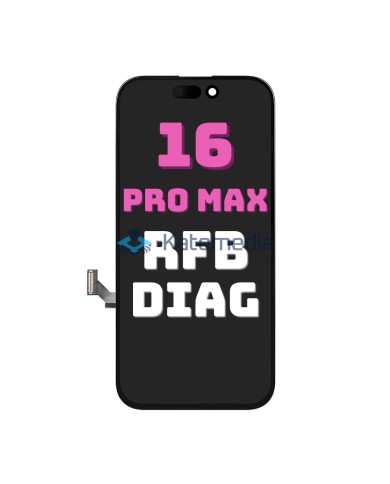
iPhone 16 Pro Max Display Disassembly Diagnostic without iCloud Lock


iPhone 16 Pro Max Display Disassembly Diagnostic without iCloud Lock
Genuine pulled display for iPhone 16 Pro Max
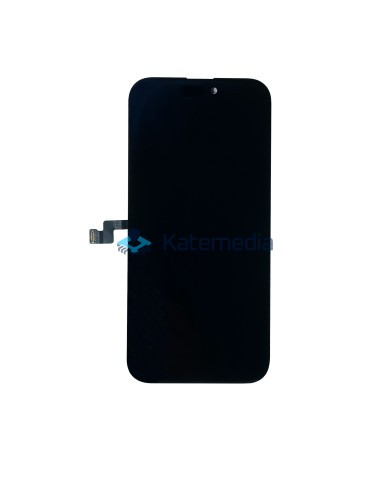
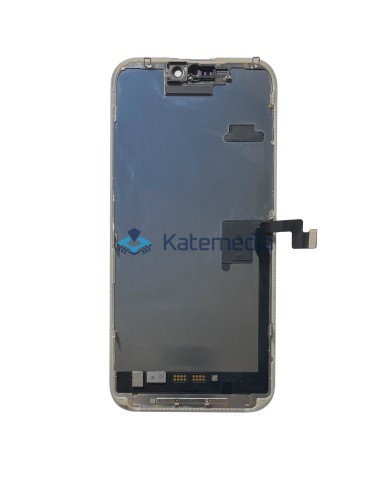
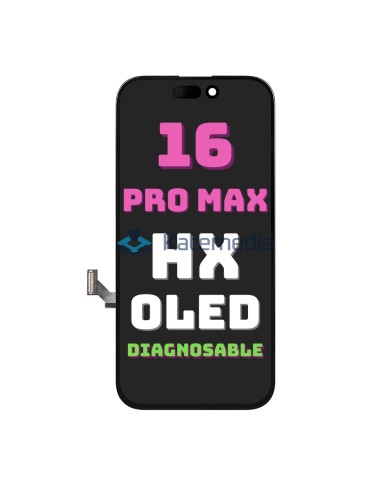
Genuine pulled display for iPhone 16 Pro Max; free of iCloud locks and capable of being paired as an original part. The screen has been carefully removed from a used device, ensuring full compatibility and top-tier image and touch quality.
After installation, it can be paired within the phone's settings, preventing any "non-genuine part" notifications from appearing. The display is in perfect condition—free of scratches, burn-in, or other defects—and includes the upper flex cable to facilitate installation. It is also an economical and eco-friendly solution.
Check out the guide on iPhone display pairing.
PAIRING GUIDE →
zł1,356.00
Tax included
Product availability
Last remaining items
Delivery options
Learn more
Key features
Genuine Apple quality: guarantees top-notch image quality and performance.
No iCloud lock: the display is free of iCloud locks, allowing it to be safely paired with the phone.
Can be paired as genuine: after installation, you can easily pair the screen in the phone settings, eliminating the "non-genuine part" notification. The process is very simple and takes just a moment. It allows for full functionality to be maintained, including True Tone and Face ID.
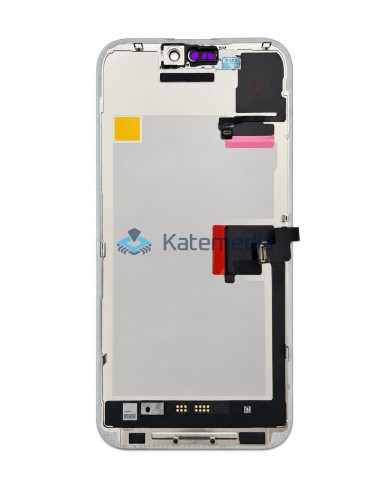
Top flex cable included: the display comes with the top flex cable, making installation easier and ensuring full compatibility.
Perfect condition: no scratches, burn-in, or other damage.
Eco-friendly solution: reuse of original components, contributing to environmental protection.
Screen type: OLED – ensures excellent color reproduction and deep blacks.
Touch controller transfer: YES (requires removing the original controller first).
120 Hz refresh rate: exceptionally smooth scrolling, faster touch response, and an enhanced visual experience.
Note
The screen is not iCloud locked; however, we recommend pairing it as an original part in the phone settings after installation. This ensures the device recognizes the component as genuine and prevents a non-genuine part notification from appearing. The process is quick and intuitive.
KATEMEDIA GUIDE
iPhone Display Pairing
Before installation, check out our guide on iPhone display pairing.
View the pairing guide →Why choose a pulled display?
- Proven quality – displays are carefully selected and tested to ensure full functionality and aesthetic appeal.
- Cost-effective option – savings compared to......compared to buying new parts, while maintaining the highest quality.
- Sustainable choice – an eco-friendly solution that helps reduce electronic waste.
- Original components – sourced from used phones, guaranteeing full compatibility and quality.
Kit contents
Original display sourced from a disassembled device; free of iCloud locks and capable of being recognized as an original part (includes the top flex cable) – for iPhone 16 Pro Max.
Optional return of your original display
Do you have a broken original display? You can send it to us and get some of your money back! This way, you not only lower the cost of purchasing a new screen but also contribute to recycling and the reuse of parts.
Broken screen buyback →Before purchasing, consider getting these items available in our store:
- REPAIR TOOLS
- ADHESIVES
- TAPES
- GASKETS
All our displays are protected by a special protective film
The film protects the screen from scratches during transport.
Our products are shipped wrapped in bubble wrap to protect the display from damage.
We verify that the display is functioning correctly before shipment.
A protective film and a warranty seal are also applied to the back of the display.
Check the display before installation
Please thoroughly test the LCD and touch function (for at least 10 minutes) before final installation.
Do not remove the protective film until you are certain the display is free of defects and functioning correctly. The display may be incompatible with certain motherboard or software versions.
ATTENTION!
When installing the display, pay special attention to the positioning of the ribbon cables. Improper placement within the housing will result in the cables breaking, leading to screen malfunctions.
LAP16PMDIA
2
Items
No customer reviews for the moment.
You need to be logged in or create an account to give your appreciation of a review.